 Free
Blender · Windows · macOS · Linux
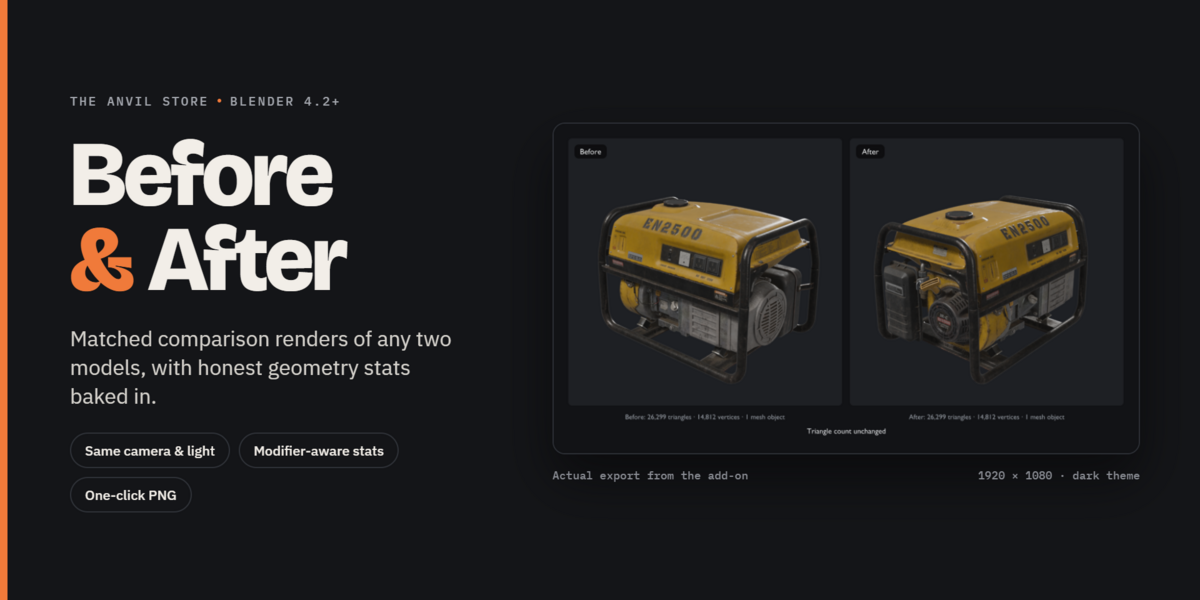
Before & After
Blender · Windows · macOS · Linux
Free
THE BLENDER WORKSHOP
Explore Blender add-ons, free utilities and practical resources for retopology, modelling, asset preparation, automation and game-engine production.
START FREE
FreeBlender · Windows · macOS · Linux
Blender · Windows · macOS · Linux
 Free
Blender · macOS · Linux · Windows
Blender · macOS · Linux · Windows
 Free
Blender · Linux · macOS · Windows
Blender · Linux · macOS · Windows
 Free
Blender
Blender
RETOPOLOGY & MESHES
FreeBlender · Windows · macOS · Linux
Blender · Windows · macOS · Linux
Blender · Windows · macOS · Linux
Blender · Windows · macOS · Linux
Blender · Windows · macOS · Linux
Blender · Windows · macOS · Linux
Blender
Blender
Blender
Blender
Blender
Blender
Blender · Windows
Blender · Windows
FreeBlender · Linux · macOS · Windows
Blender · Linux · macOS · Windows
PIPELINE & AUTOMATION
FreeBlender · Windows · macOS · Linux
Blender · Windows · macOS · Linux
FreeBlender · macOS · Linux · Windows
Blender · macOS · Linux · Windows
Blender · Windows · macOS · Linux
Blender · Windows · macOS · Linux
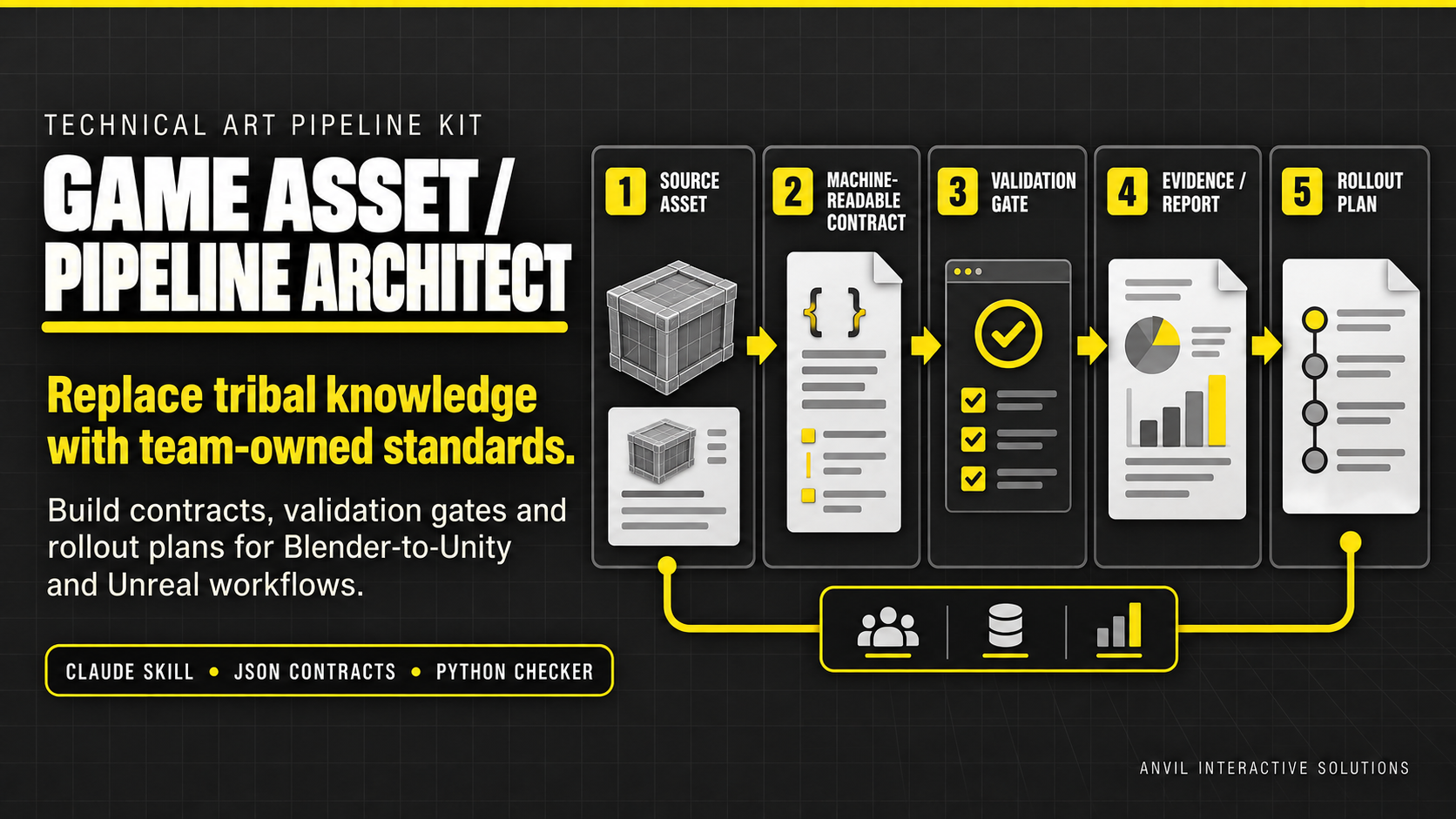
Platform Independent · Cross-platform · Blender · Unity · Unreal Engine
Platform Independent · Cross-platform · Blender · Unity · Unreal Engine
Blender · Windows · macOS · Linux
Blender · Windows · macOS · Linux
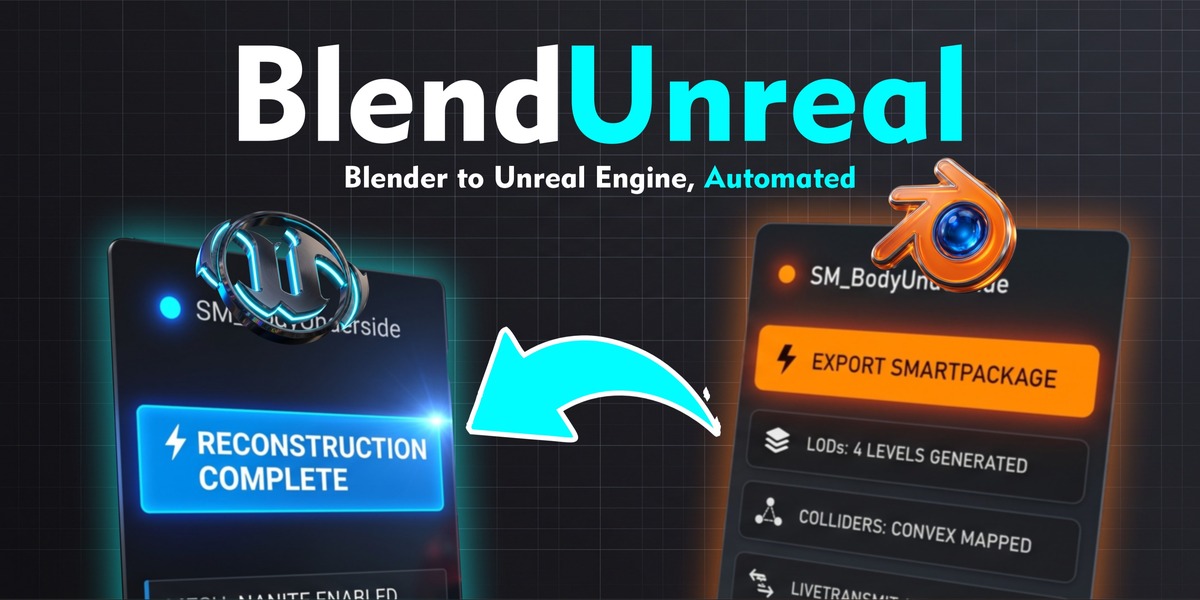
Blender · Windows · Linux · macOS
Blender · Windows · Linux · macOS
Blender · Windows · macOS · Linux
Blender · Windows · macOS · Linux
Blender
Blender
LEARN
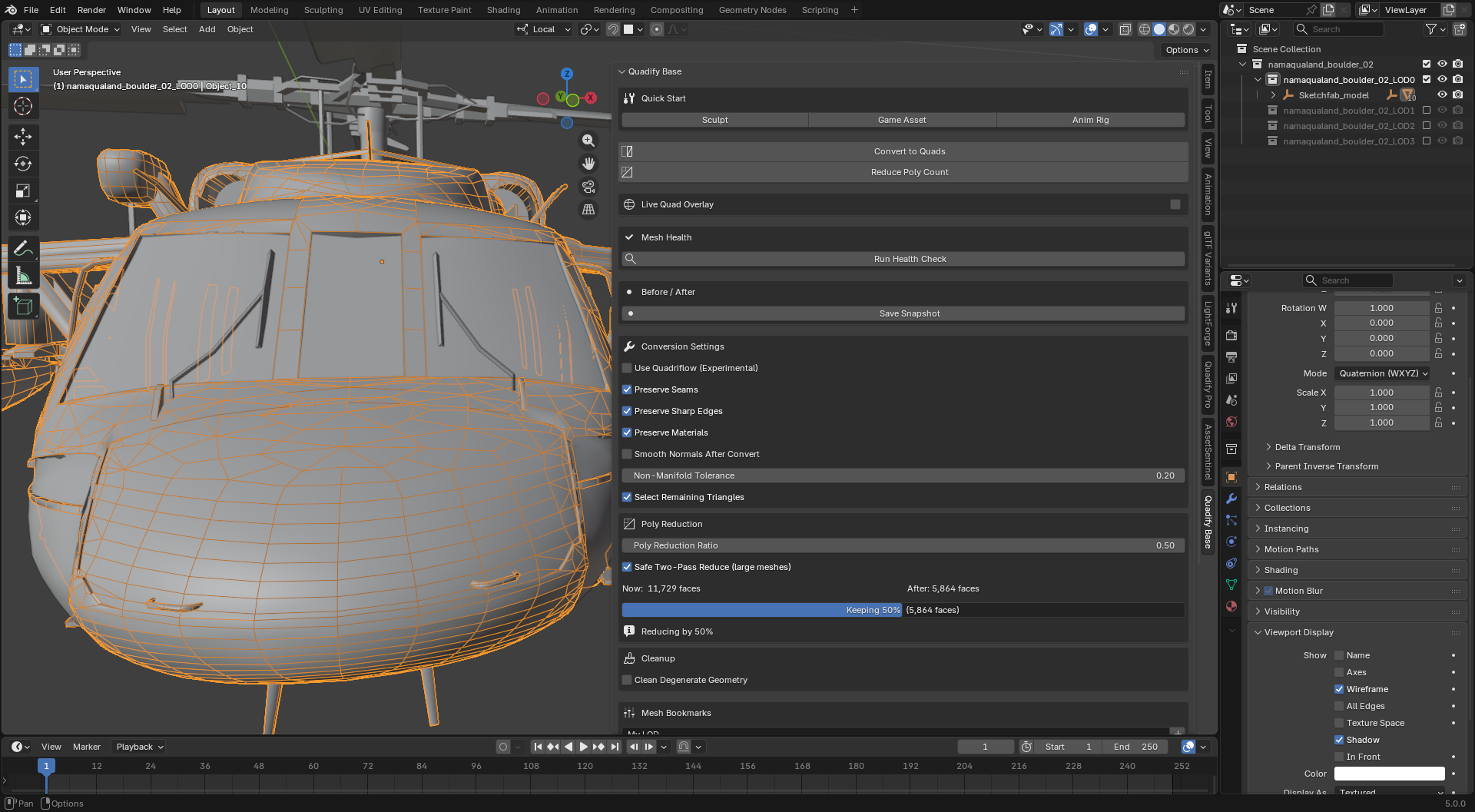
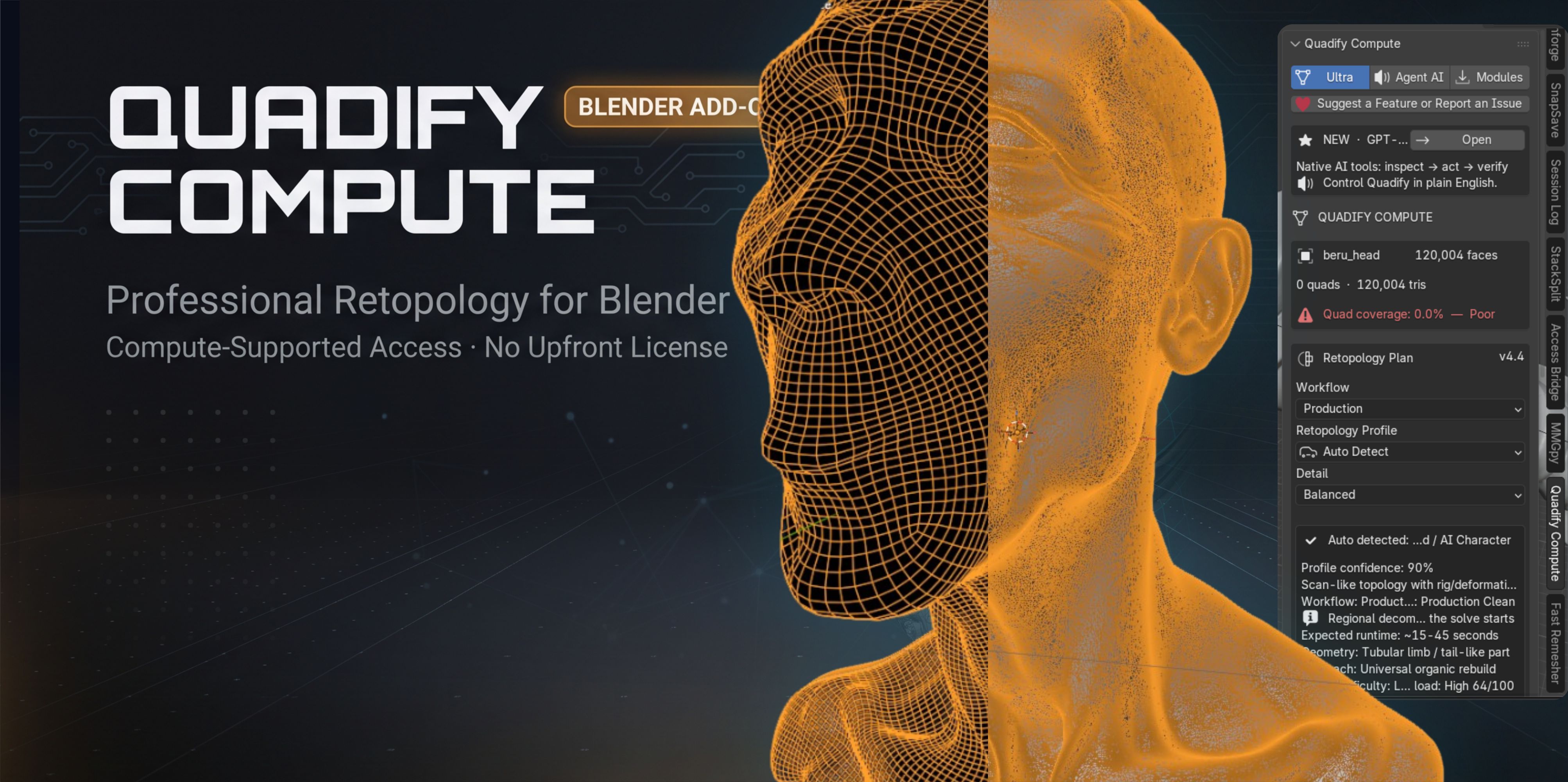
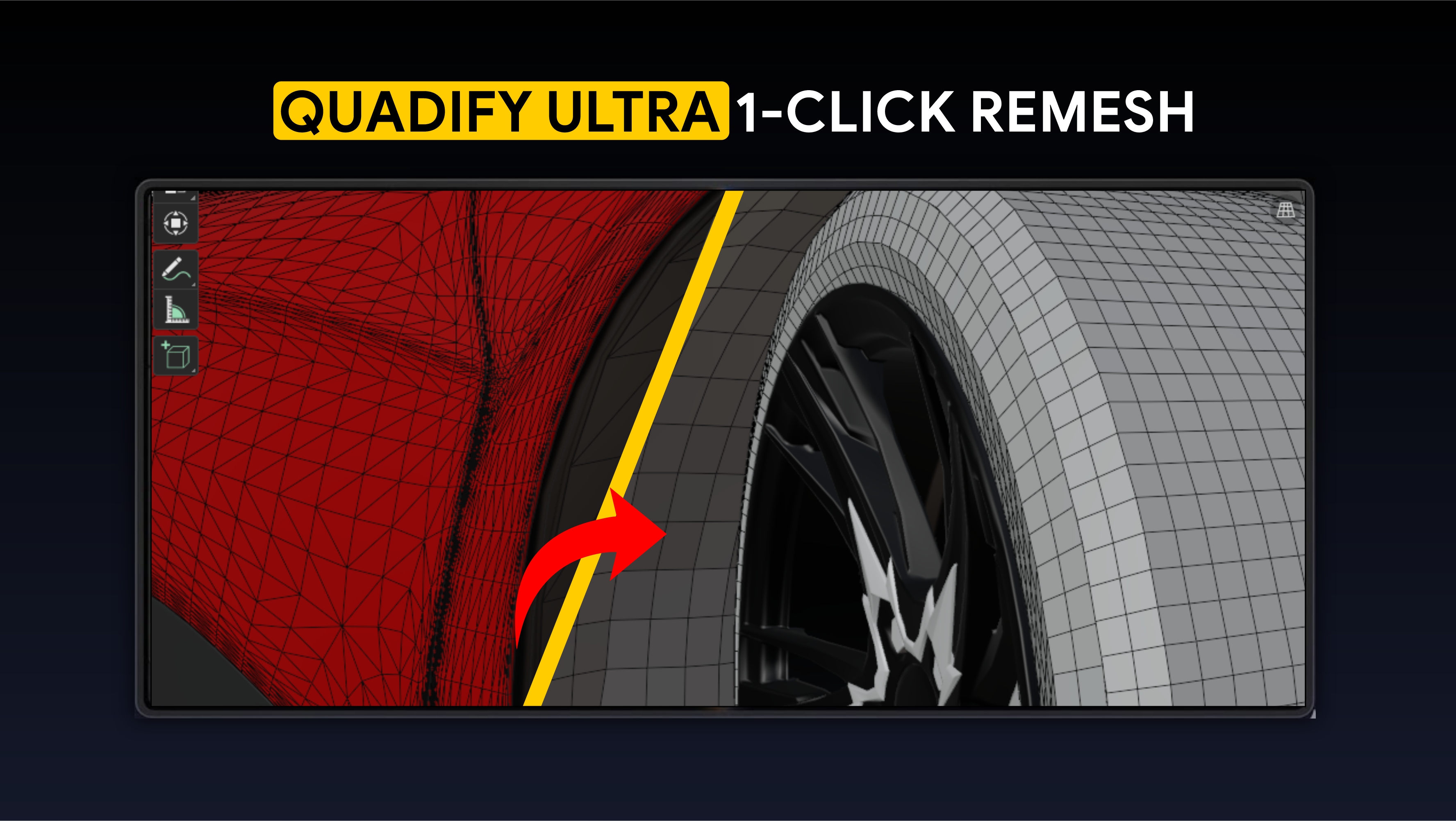
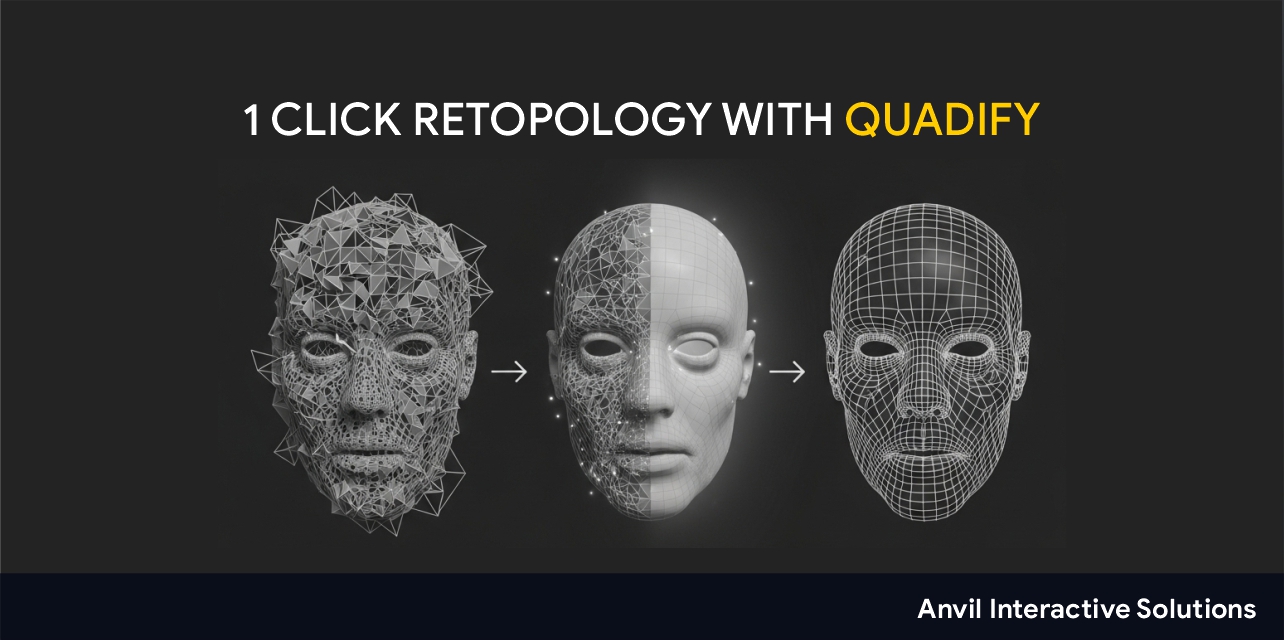
Quadify Base, our smart tri-to-quad conversion add-on for Blender, is now free. Here is what it does, and what Quadify Premium, Pro and Ultra add for bigger retopology jobs.
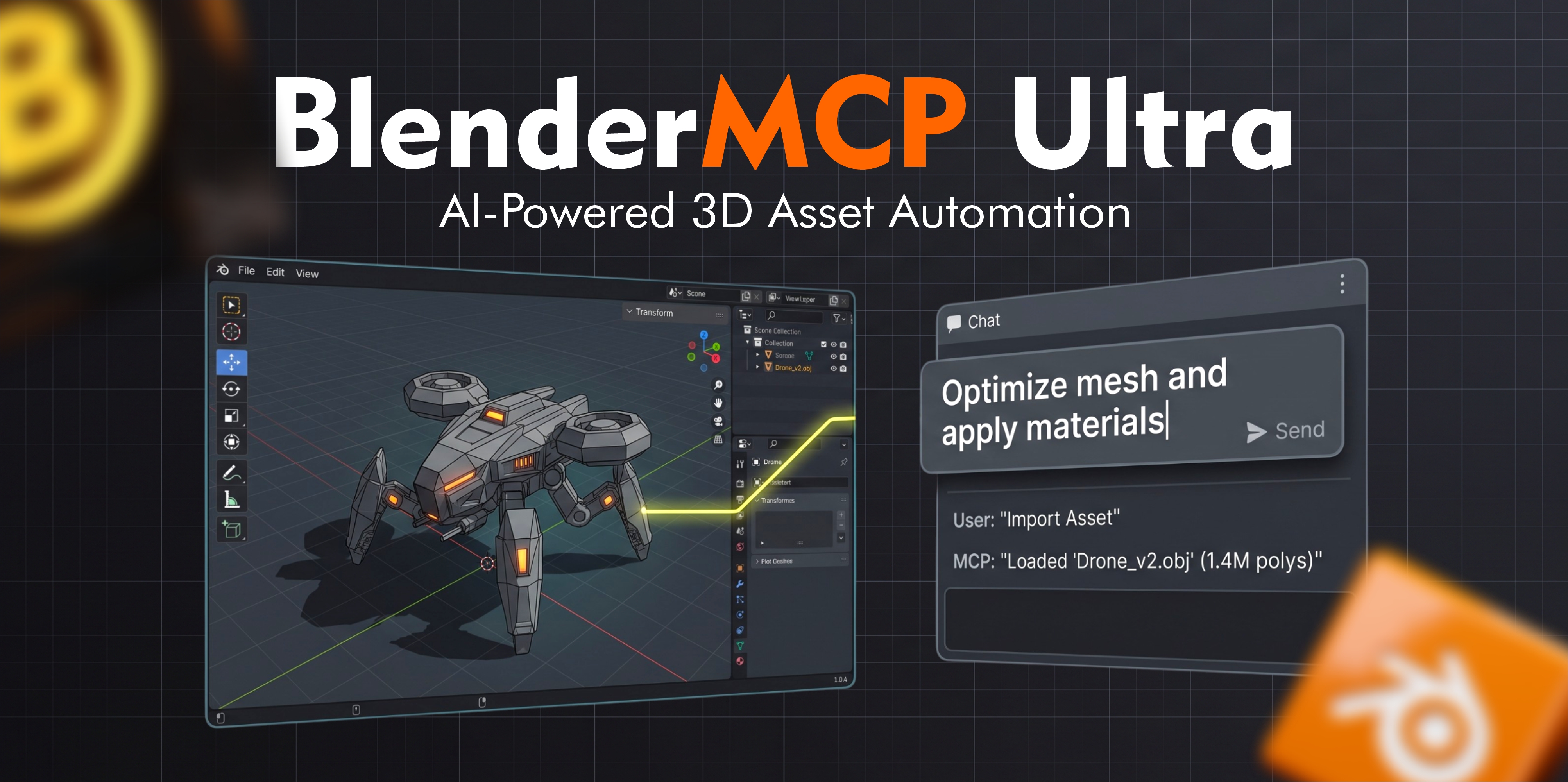
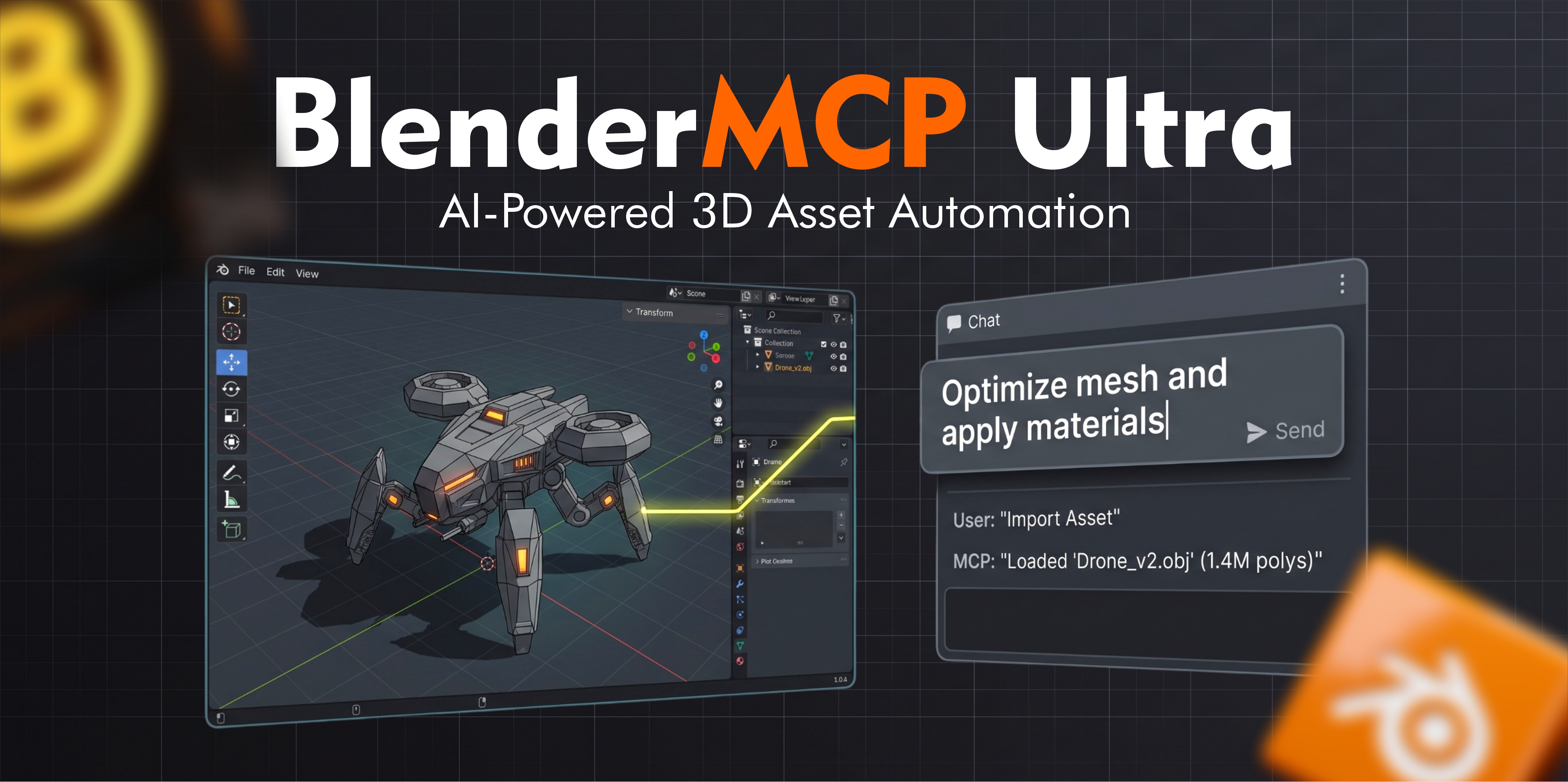
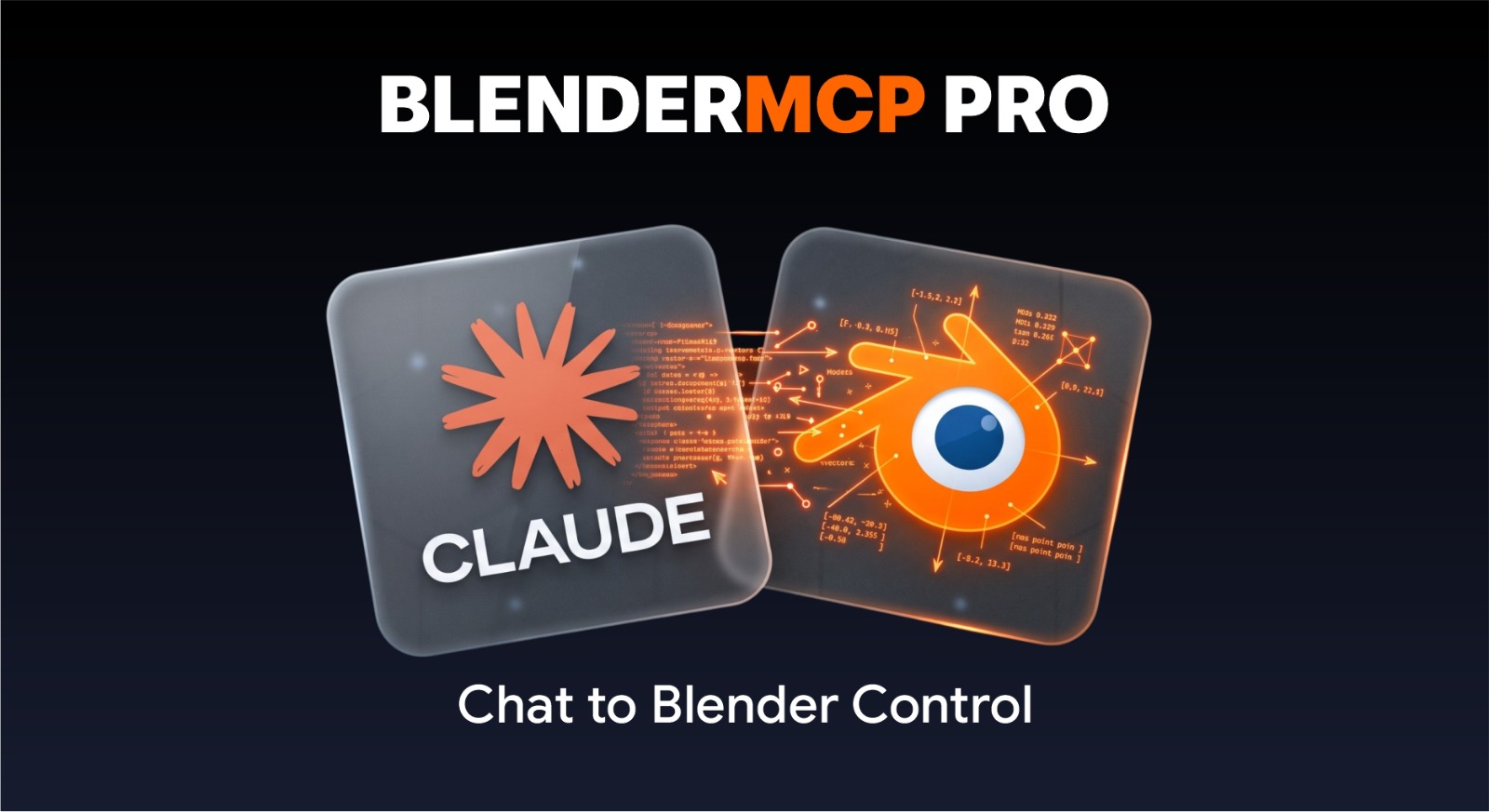
A practical guide to AI-assisted Blender workflows, from official MCP access to persistent production assistants, with security and reliability considerations.
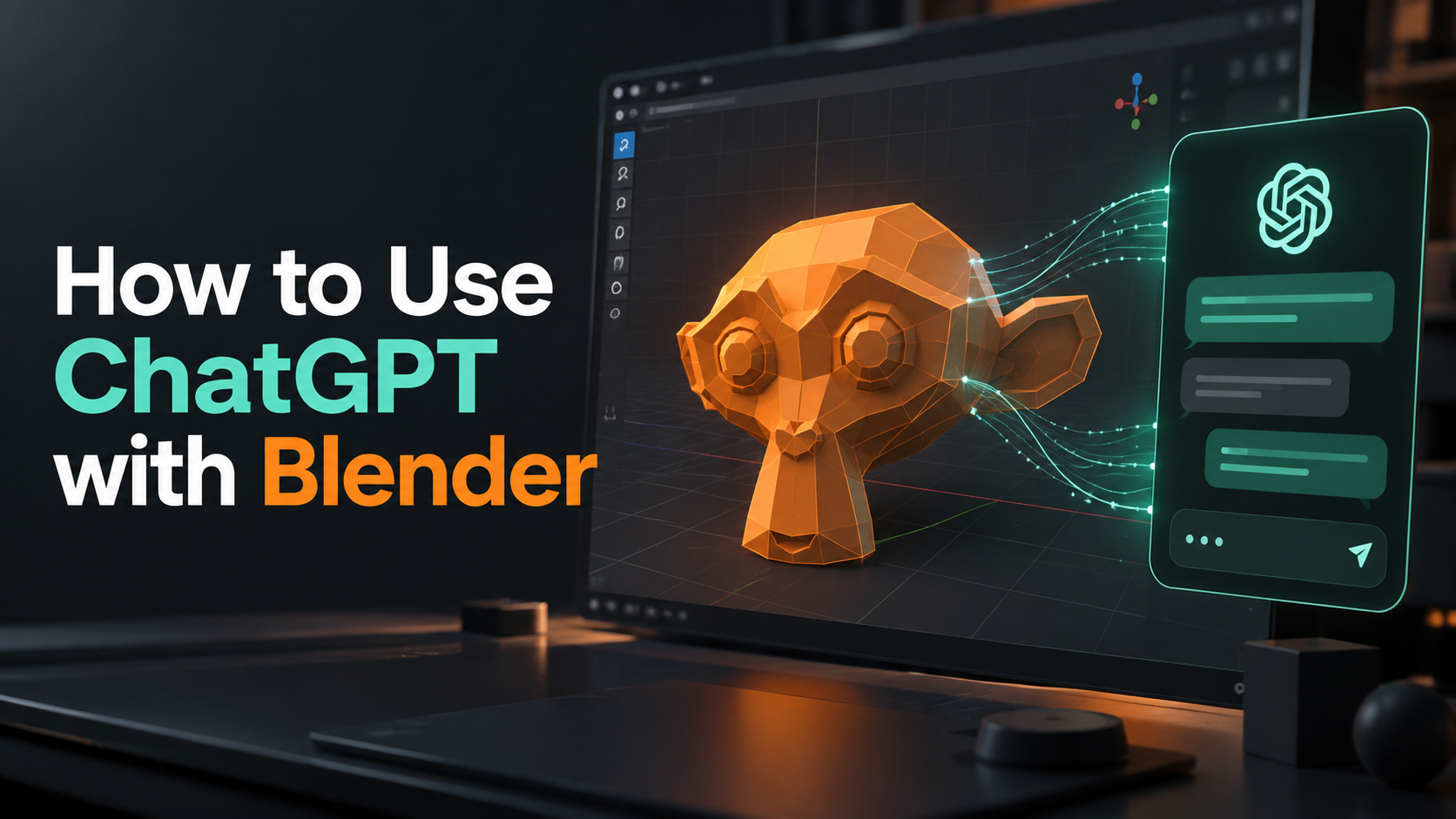
A practical guide to connecting an AI assistant to Blender, choosing an MCP workflow, limiting permissions and verifying scene changes before they become production problems.
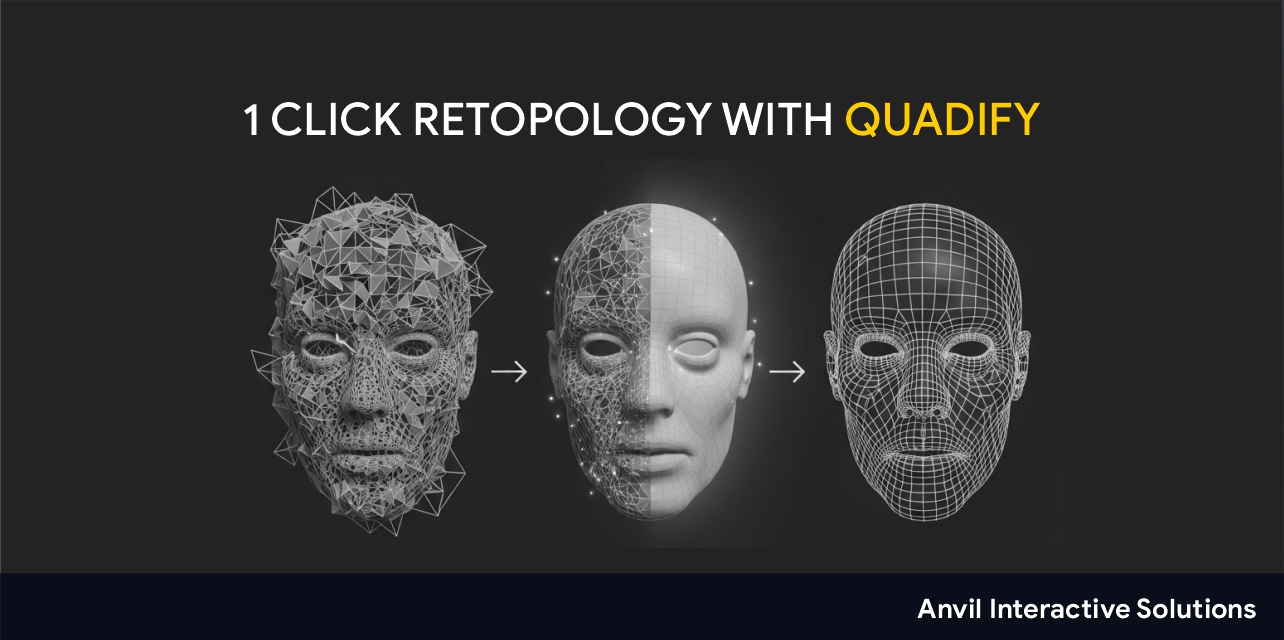
A practical comparison of Blender retopology options for organic models, hard-surface assets, scans and AI-generated meshes, including built-in and specialist workflows.
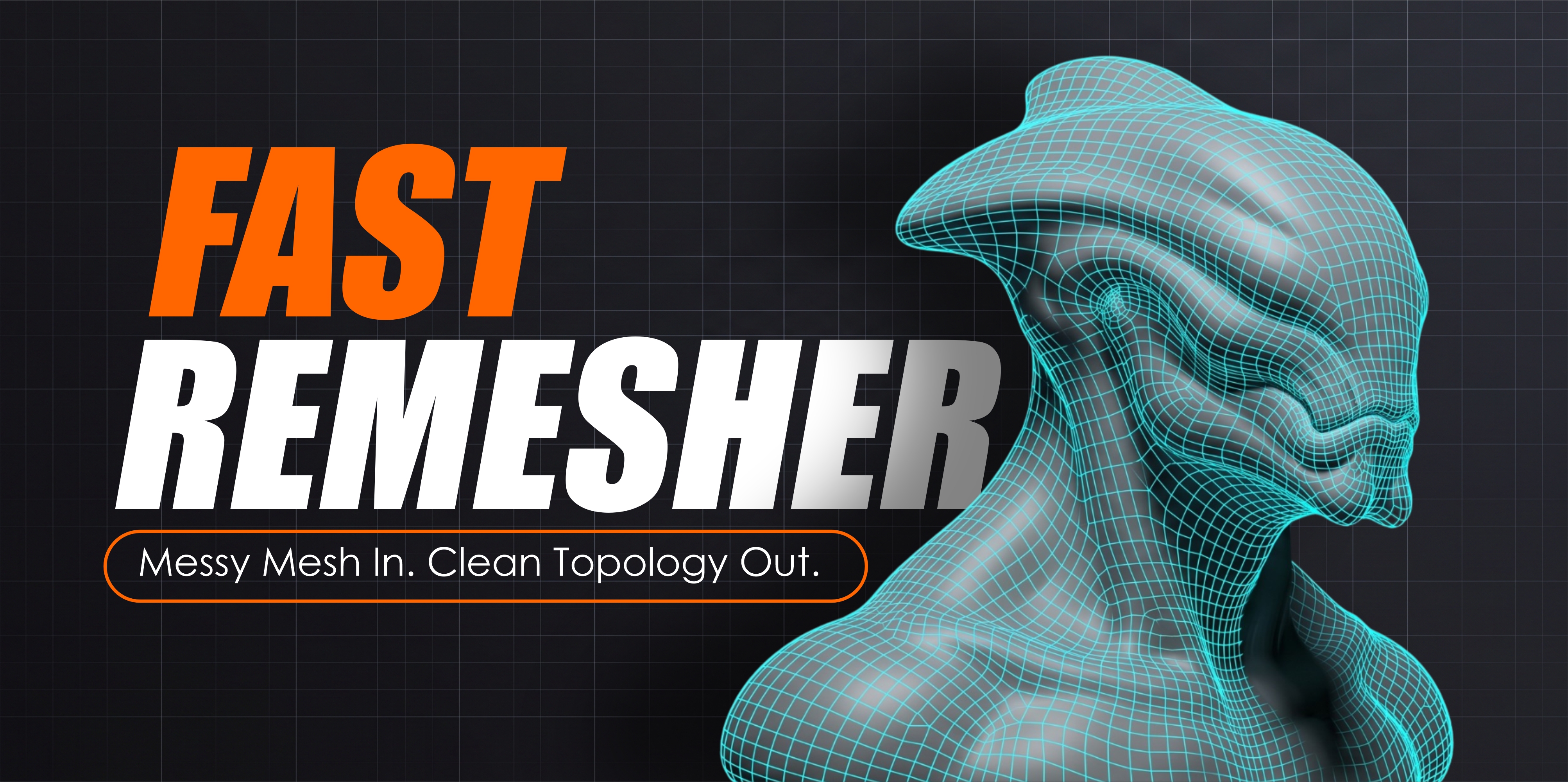
A production workflow for turning dense, triangulated or messy AI-generated meshes into cleaner Blender assets without destroying the shape you actually want to keep.
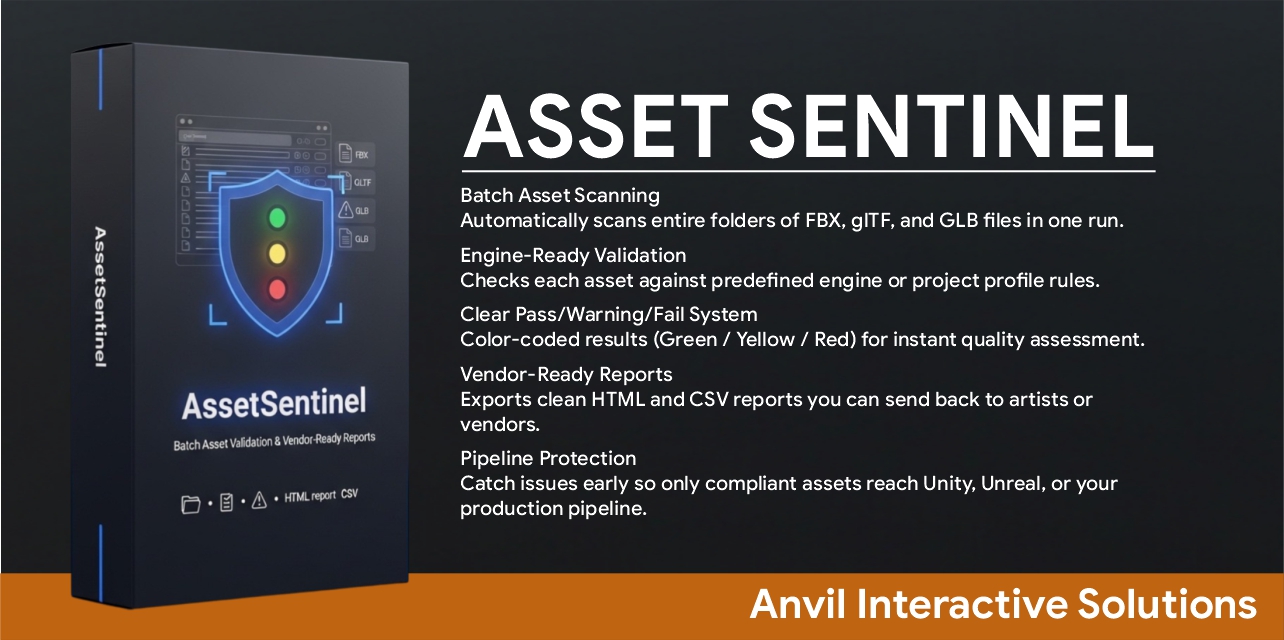
A practical asset handoff checklist for moving Blender models into Unreal Engine with fewer scale, topology, UV, material, collision and validation problems.
CREATORS
FULL COLLECTION
FreeBlender · Windows · macOS · Linux
Blender · Windows · macOS · Linux
FreeBlender · macOS · Linux · Windows
Blender · macOS · Linux · Windows
Blender · Windows · macOS · Linux
Blender · Windows · macOS · Linux
Platform Independent · Cross-platform · Blender · Unity · Unreal Engine
Platform Independent · Cross-platform · Blender · Unity · Unreal Engine
Blender · Windows · macOS · Linux
Blender · Windows · macOS · Linux
Blender · Windows · Linux · macOS
Blender · Windows · Linux · macOS
Blender · Windows · macOS · Linux
Blender · Windows · macOS · Linux
Blender
Blender
Blender
Blender
Blender
Blender
Blender · Windows · macOS · Linux
Blender · Windows · macOS · Linux
Blender · Windows
Blender · Windows
FreeBlender · Linux · macOS · Windows
Blender · Linux · macOS · Windows
Blender · Linux · Windows · macOS
Blender · Linux · Windows · macOS
Blender
Blender
FreeBlender
Blender
Blender
Blender
Blender · macOS · Windows · Linux
Blender · macOS · Windows · Linux

macOS · Blender · Windows · Linux
macOS · Blender · Windows · Linux
Blender
Blender
Blender · macOS · Windows · Linux
Blender · macOS · Windows · Linux
Blender
Blender
Blender · Windows · Linux · macOS
Blender · Windows · Linux · macOS
 Free
Blender · macOS · Linux · Windows
Blender · macOS · Linux · Windows
Blender
Blender
CHOOSING A TOOL
A good Blender add-on should remove a repeated task, make a difficult result more predictable or catch production problems before they move downstream. Compare supported Blender versions, platforms, documentation and licence terms before installing.
For game development, check whether the tool addresses the complete handoff: scale, naming, topology, UVs, materials, collision, LODs and engine import. For destructive mesh operations, work on a copy and keep your original asset available.
The collection includes retopology, modelling, UV and material, automation, validation, export and game-engine pipeline tools. Each product page lists its exact features and requirements.
Yes. The free section contains Blender tools you can download without creating an account. Some creators also offer paid editions with additional production features.
Open the product page and review its platform, requirements and documentation before downloading. Compatibility can differ between editions and releases.
Many products are designed for game-asset preparation or Blender-to-engine workflows. Check each listing for its supported engine, export format and companion package requirements.