
Ai Agents
BlenderMCP Ultra
BlenderMCP Ultra brings a conversational AI assistant directly into Blender — one that creates, edits, and refines your scene through natural language, and unlike a generic AI connector, actually learns and enforces how …
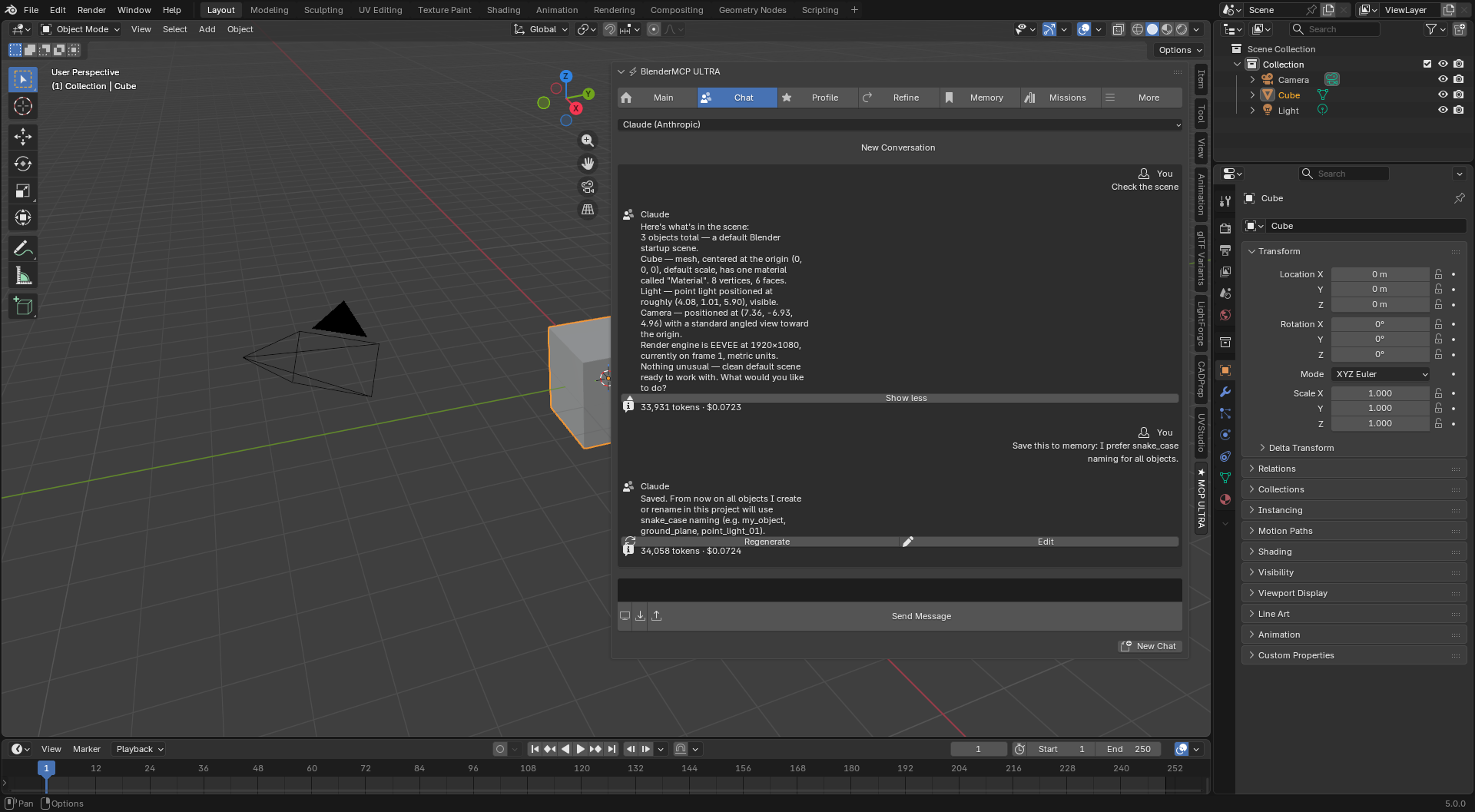
BlenderMCP Ultra brings a conversational AI assistant directly into Blender — one that creates, edits, and refines your scene through natural language, and unlike a generic AI connector, actually learns and enforces how your studio works.
What makes Ultra different
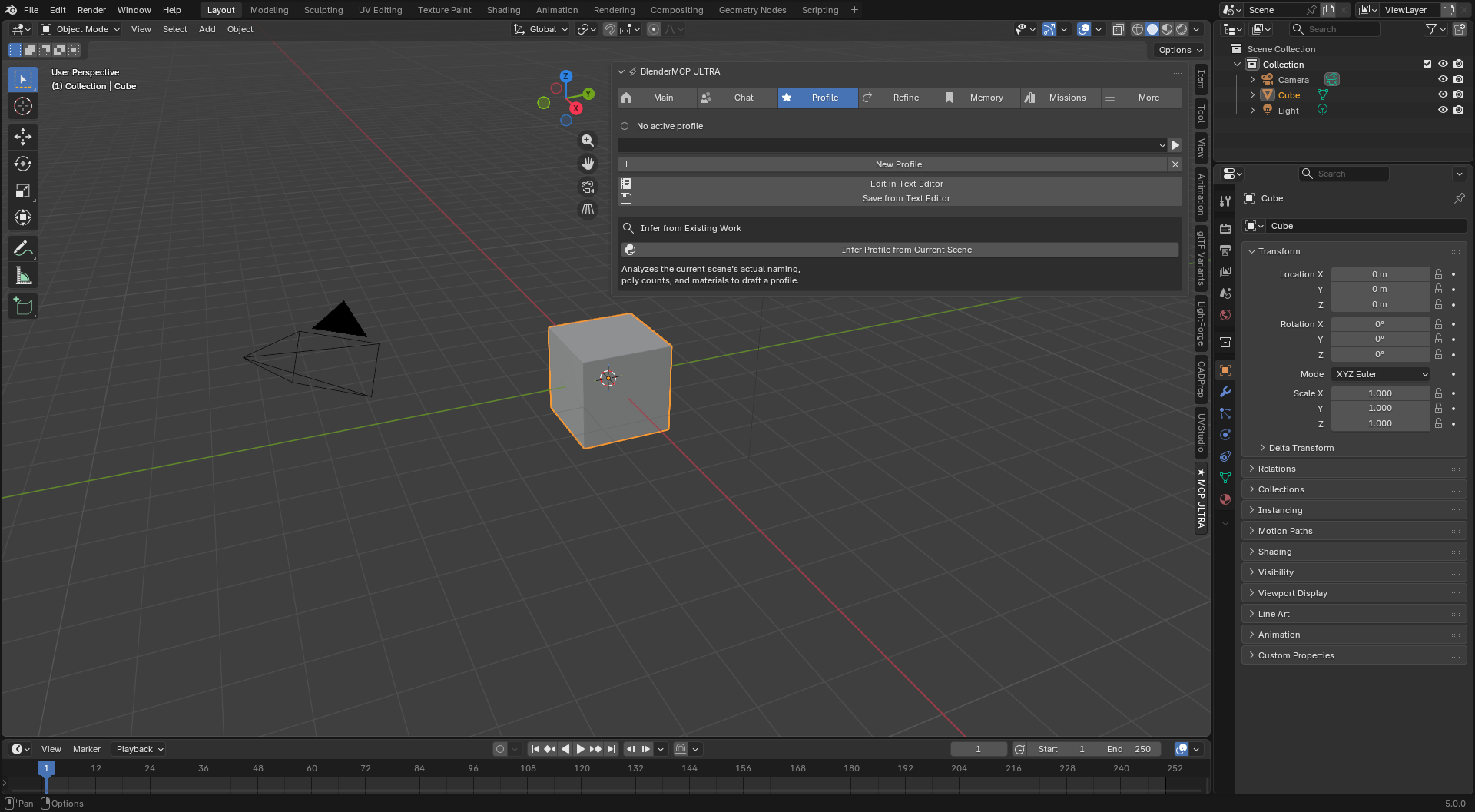
Studio Profiles — your pipeline, enforced automatically. Define naming conventions, unit scale, per-asset poly budgets, and material rules once — or let Ultra infer them by analyzing your existing scene. Every object the AI creates, every mission it runs, gets checked against your profile automatically. No more chasing down Cube.001 and mismatched material names after the fact.
Persistent memory that survives Blender. Facts the AI learns about your project — decisions, constraints, naming rationale — persist across sessions and across every file in the same project folder. Ask it six months from now why a rig is named the way it is; it remembers.
Closed-loop render refinement. Render, get a structured AI critique with a numeric score and a specific fix, and either apply it yourself or let Ultra iterate automatically until it hits your target quality — no more manually re-rendering and eyeballing it yourself.
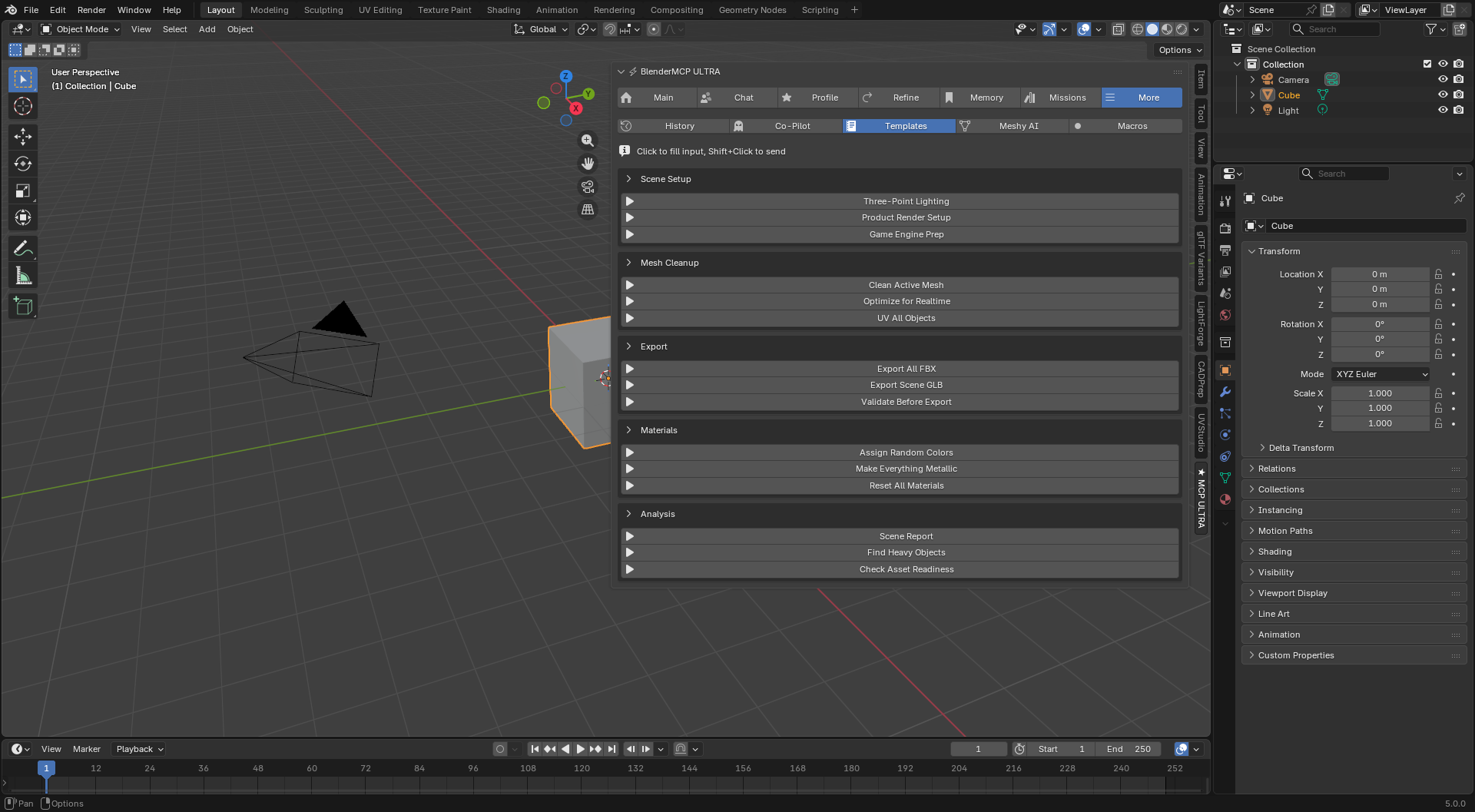
Agent Missions with full audit history. Describe a large goal and a planning agent breaks it into tasks, dispatched across a team of specialists working in parallel — modeling, materials, lighting, rigging, and more. Every mission is logged: every task, every tool call, every validator note, browsable anytime. Know exactly what an AI agent did to your file, not just the end result.
Native Unreal & Unity handoffs. Own UnrealMCP Pro or MCP Pro for Unity? Ultra detects them automatically and can route mission tasks across engines — including automatic unit-scale and axis-orientation conversion, so a Blender-meters asset lands correctly in Unreal's centimeters or Unity's Y-up world without the silent scale bugs that plague manual FBX pipelines.
Five AI providers, your choice. Claude, Gemini, GPT-4o-mini, DeepSeek, or a fully local model via Ollama — pick based on cost, privacy, or capability. Switch anytime in preferences.
Who it's for
Studios and serious freelance pipelines that need an AI assistant that respects existing conventions instead of fighting them, and teams that need to trust — and verify — what an AI agent does inside a shared production file.
Requirements
Blender 4.2 or newer. An API key for at least one supported AI provider (free tiers available for Gemini and Groq; local option via Ollama requires no key at all).