
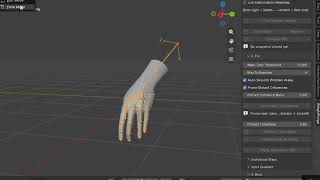
 ▶
▶
Pipeline And Automation
Weightforge — Blender Weight Painting & Auto-Rigging Cleanup Addon
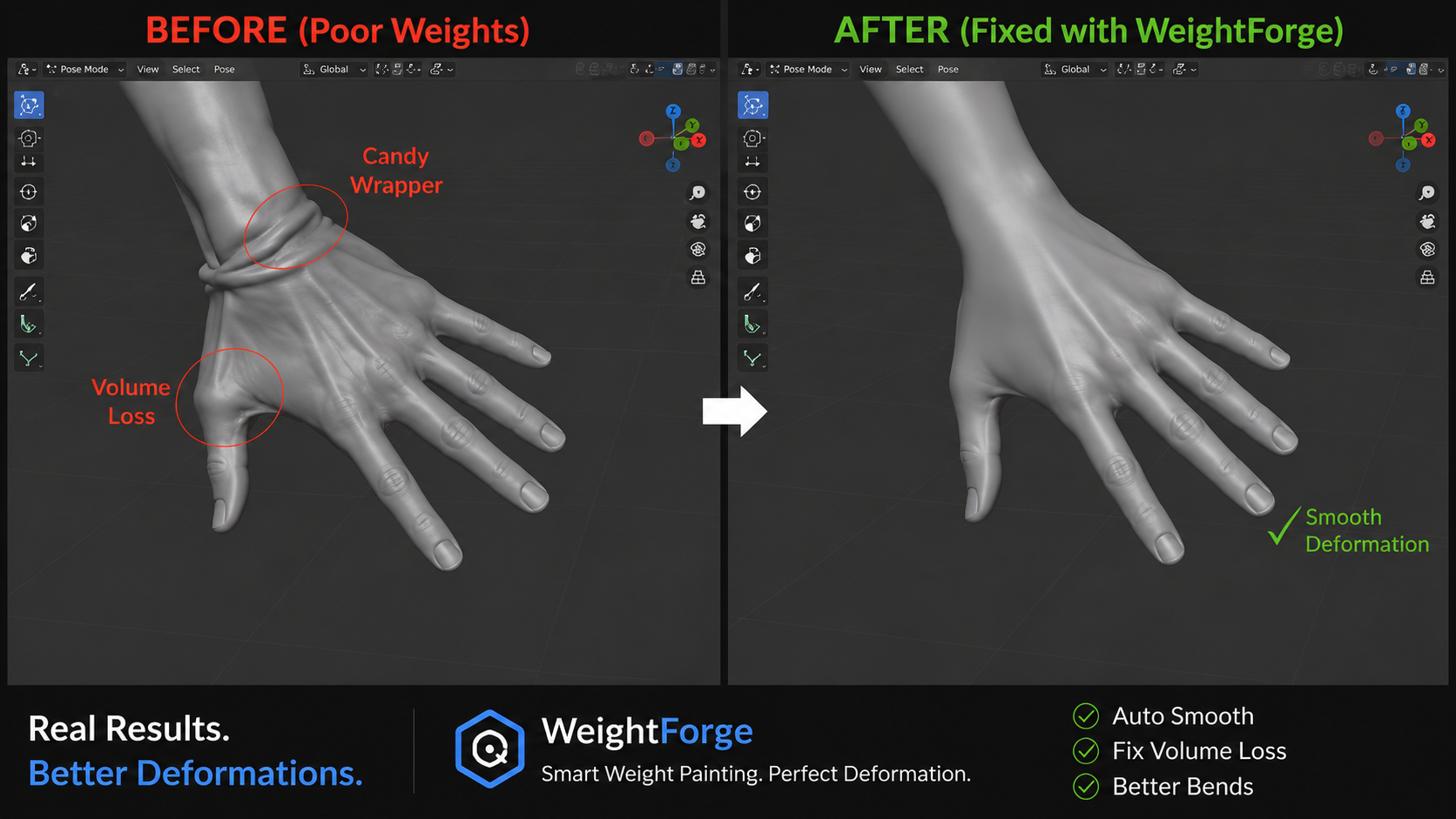
WeightForge — Weight Painting as a Deformation Solver WeightForge is a Blender add-on that treats weight painting as a deformation solver. It predicts, transfers, cleans, diagnoses, and fixes vertex weights so you only n…
WeightForge — Weight Painting as a Deformation Solver WeightForge is a Blender add-on that treats weight painting as a deformation solver. It predicts, transfers, cleans, diagnoses, and fixes vertex weights so you only need to do the final artistic polish. Designed to complement (not replace) Rigify, Auto-Rig Pro, and custom armatures, WeightForge gives you smarter binding, robust transfer tools, live deformation feedback, and one-click cleanup pipelines — all organized around a clear Diagnose → Fix → Bind → Export workflow.
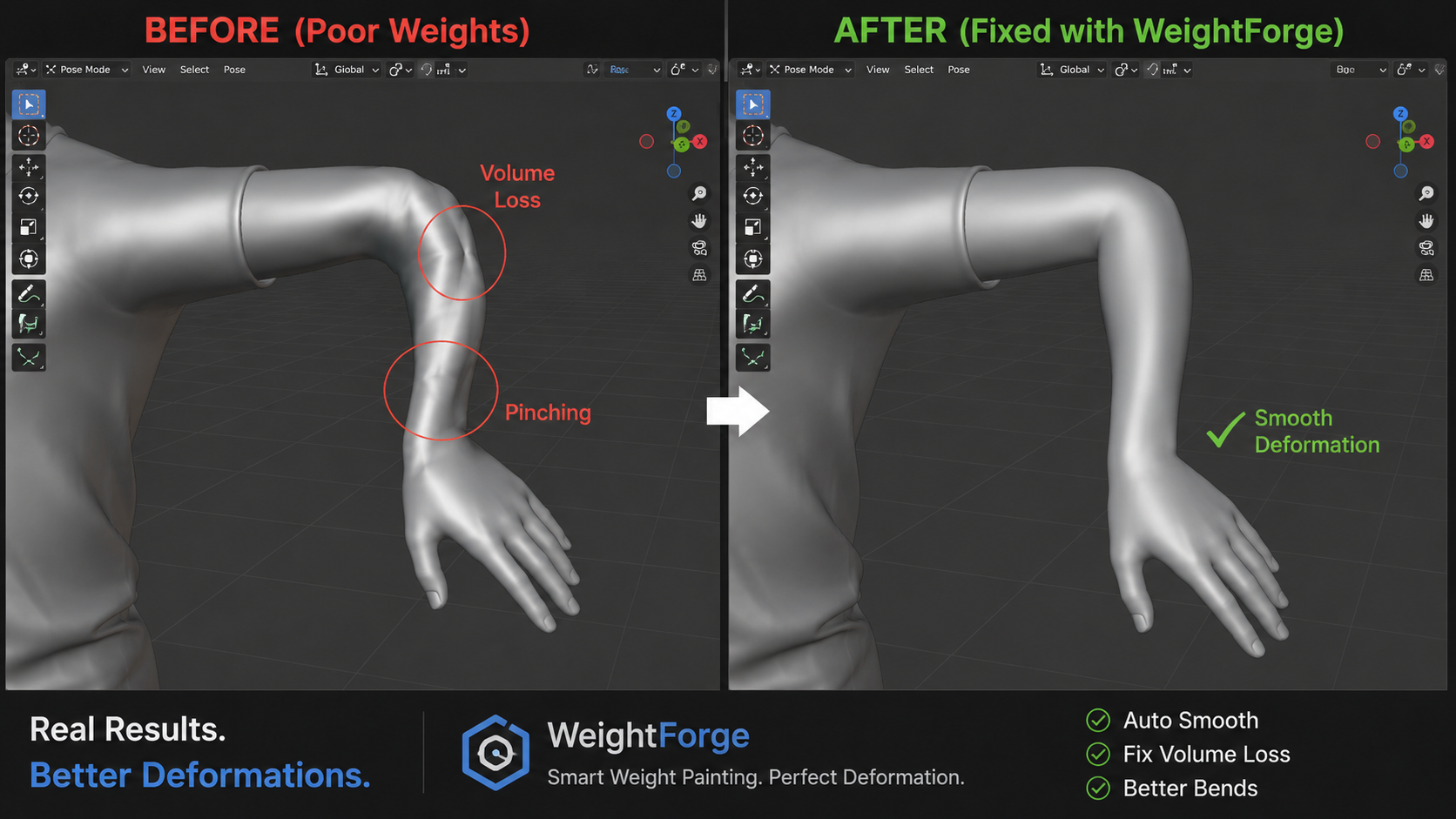
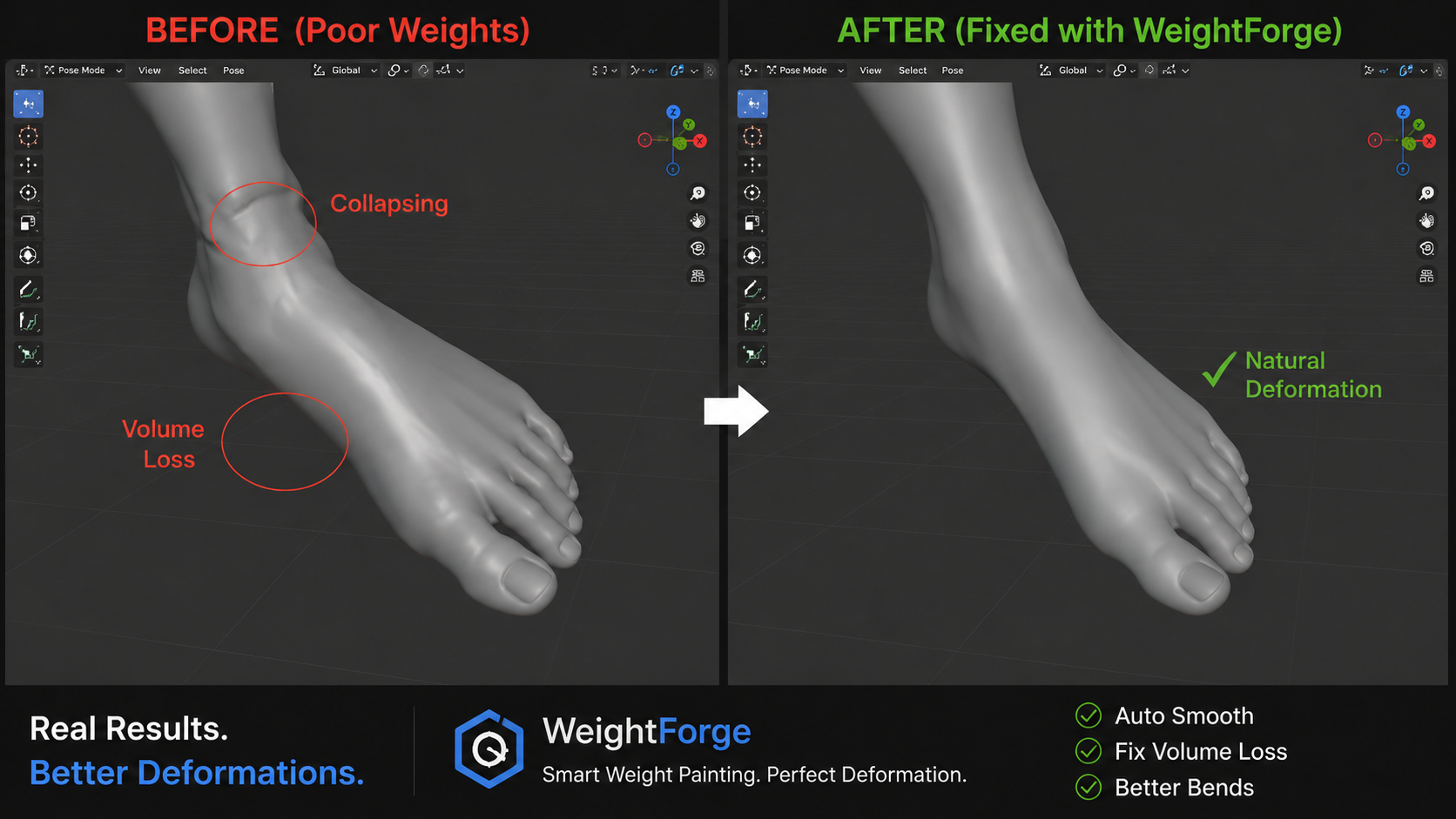
Why WeightForge? Traditional weight painting is slow, repetitive, and full of hidden problems: zero weights, over-influences, hard joint cutoffs, orphan groups, and weights painted on the wrong bones. WeightForge turns that friction into a systematic process:
See problems with a live color-coded deformation heatmap Fix them fast with one-click cleanup, joint gradients, and protect masks Bind smarter with three distinct algorithms and influence-zone visualization Transfer reliably across multiple objects with preserve-details options Export confidently with readiness reports for game engines
Key Features Smart Binding
Classic Heat Map, Distance + Normal, and Hybrid (Heat Map + Distance Fallback) Bind only selected bones Toggleable influence-zone visualization with live size control
Weight Transfer
Multi-object transfer (Proximity / Normal / Topology / Hybrid) Preserve Details mode, L/R mirror detection, and optional auto-smooth
Painting Tools
Predictive Brush (Weight Paint mode with live deformation heatmap already active) Protect / Clear Mask and Lock & Protect for high-weight areas
Cleanup & Normalize
One-Click Full Cleanup Pipeline (prune zeros, normalize, limit influences, smooth problem areas) Individual steps available for precise control
Deformation Debugger
Live heatmap: Blue (little/no movement) → Green (healthy) → Yellow (stretch) → Red (extreme/collapsing) Problem Detector that selects likely failure zones
Joint Gradient Tools
Smooth hard cutoffs between bone pairs (Elbow/Knee, Shoulder/Hip, Finger presets) Only reshapes existing weight — never invents new influence outside the joint zone
Hard-Surface Tools
Rigid Bind (winner-take-all) and Hierarchy Bind for mechanical parts Align to Root Bone and quick bone pose/reset tools
Rig Compatibility
One-click Rigify redirect (ORG-/MCH- → matching DEF- bones) Auto-Rig Pro detection Orphan Vertex Group finder
Game Engine Optimizer
Export readiness report (influence counts, zero-weight vertices, normalization) written to a Text datablock
Before / After Compare
Snapshot, restore, and diff heatmap of weight changes (survives file save/reload)
Select Influencing Bones
Select mesh vertices → instantly select the pose bones that drive them
UI & Workflow Everything lives in the N-Panel → WeightForge, organized by job:
Diagnose — Detect Problems, Live Heatmap, Orphan Groups, Before/After Compare Fix — One-Click Cleanup, Prune, Limit, Smooth, Protect, Rigify Redirect, Joint Gradient Bind — Smart Bind, Transfer, Rigid Bind, Hierarchy Bind Export — Influence limit + Export Readiness Report
Pie menus (Ctrl + W and Ctrl + Shift + W in Weight Paint) give fast access without overriding Blender’s built-in tools. Shortcuts are fully rebindable or can be disabled in preferences. Recommended workflow
Bind (Smart Bind or your preferred rigging tool) Transfer weights to clothing/armor if needed Pose → Diagnose with Heatmap + Problem Detector Fix with One-Click Cleanup + targeted tools Limit influences + run Export Report Final artistic polish with Protect Mask / Predictive Brush
Compatibility & Requirements
Blender 3.6 and newer (including 4.x extension system) Works with Rigify, Auto-Rig Pro, and custom armatures GPL-3.0-or-later
Publisher: Meshmind
Contact: serenaegwoba@gmail.com Treat weight painting like a deformation solver.