
Best Blender Retopology Tools in 2026
A practical comparison of Blender retopology options for organic models, hard-surface assets, scans and AI-generated meshes, including built-in and specialist workflows.
Retopology is not one problem. A sculpt with clean volume, a scanned object with self-intersections, a triangulated vehicle part and a thin garment shell can all need new topology for completely different reasons. The most useful retopology tool is therefore the one that matches the condition of the source mesh and the destination of the asset.
This guide compares the main options available to Blender users and explains where each one fits. If your source is an AI-generated mesh, also read How to Retopologize AI-Generated Meshes in Blender.
What we look for in a retopology tool
A useful retopology workflow should be judged on more than face count. The important questions are:
- Does the result preserve the silhouette and important hard edges?
- Does it handle disconnected islands, holes, thin shells and intersections?
- Does it produce topology appropriate for sculpting, subdivision, static rendering or deformation?
- Can it preserve or recover UVs, materials and other production data?
- Does it fail safely when the source mesh is too difficult?
- Can the same workflow be repeated across many assets without constant manual tuning?
A mesh can be 100 percent quads and still be a poor result. Long thin quads, collapsed regions, bad poles, lost boundaries or damaged shading can make a technically clean mesh unusable.
1. Blender Voxel Remesh: best for dirty volume cleanup
Blender's Voxel remesher rebuilds the object through a volumetric grid. This makes it especially useful when the source is messy, self-intersecting or unsuitable for surface-based remeshing. It is often the fastest way to turn a broken sculpt or scan into a continuous manifold surface before doing a second optimization pass.
The tradeoff is that voxelization does not preserve deliberate edge flow. Small details can disappear if the voxel size is too large, while a very small voxel size can create an extremely dense result. Blender's own documentation also warns that Voxel Remesh is not intended to create final deformation topology for an animated character.
Use Voxel Remesh when the geometry itself needs repair. Do not choose it simply because a model has too many polygons.
2. Blender QuadriFlow: best built-in quad remeshing option
QuadriFlow is Blender's built-in quad remeshing path. It can target a face count and includes options such as symmetry, sharp-feature preservation and boundary preservation. Compared with voxel remeshing, its goal is a quad layout rather than volumetric cleanup.
It is a useful baseline for static assets, subdivision-friendly rebuilds and models whose surfaces are already coherent. It is less suitable as a first step when the source contains severe intersections or broken volume, because it is not intended to clean those conditions the way Voxel Remesh can.
For many artists, the practical sequence is: repair the source first, then ask a quad-oriented solver to rebuild it.
3. Quadify Ultra: best fit for mixed asset libraries
Quadify Ultra is designed around the fact that a single remeshing method does not work equally well on every mesh. Its workflow classifies the selected geometry, routes it through specialist strategies, protects the source while candidates are evaluated and checks the result before it is accepted.
That makes it most useful when a library contains a mixture of organic meshes, scans, hard-surface parts and other irregular assets. The value is not merely pressing one remesh button. The value is reducing the manual decision-making around which method should be attempted first, when a fallback is needed and whether the output is actually usable.
It is still important to inspect deformation-critical topology manually. No automatic solver should be treated as a substitute for intentional loops around shoulders, mouths, eyelids, knees and other animated regions.
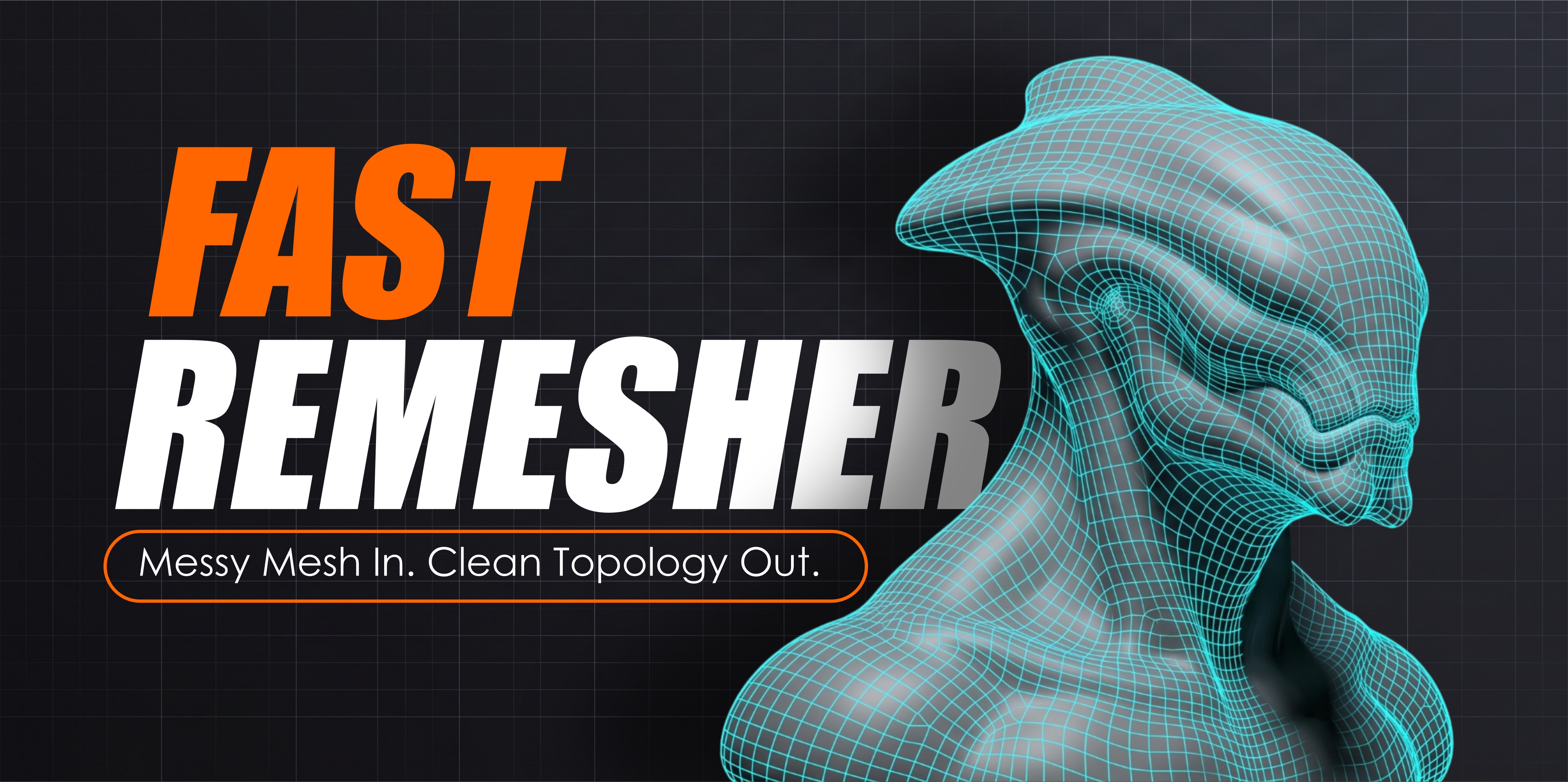
4. Fast Remesher: best fit for focused cleanup passes
Fast Remesher is a more focused Blender workflow for quickly rebuilding selected objects with separate handling for hard-surface, organic and garment or open-mesh cases. It is useful when you know the broad class of the asset and want a faster cleanup path without setting up a larger production pipeline.
Hard-surface assets need special care because broad smoothing can destroy panel lines, planar regions and feature boundaries. Organic assets need different priorities: continuous surface flow, volume preservation and a sensible polygon budget. Garments and open shells introduce another problem because the boundary itself must survive.
A tool that treats all three as the same input will usually be inconsistent. A workflow that exposes those differences is easier to reason about.
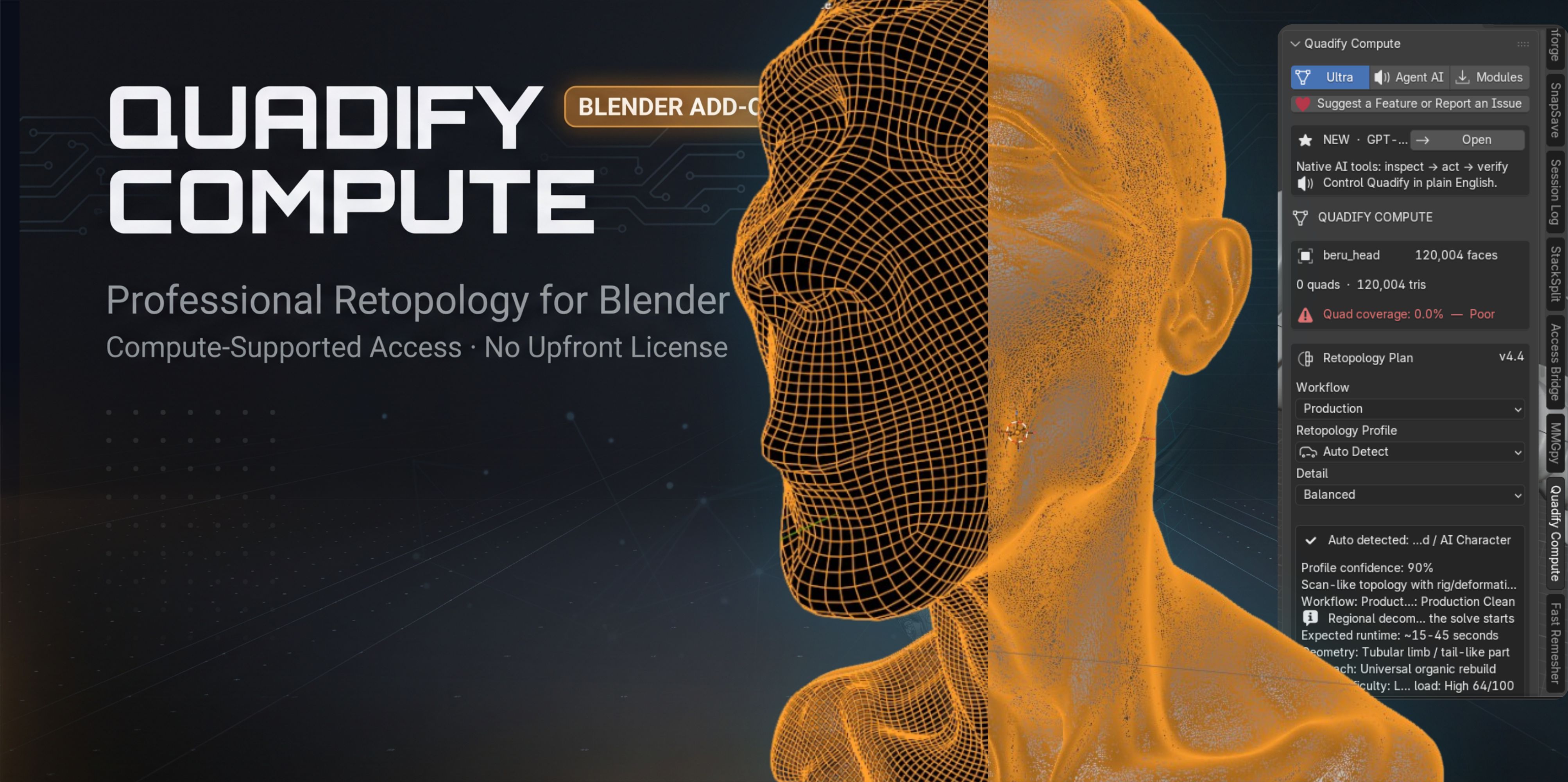
5. Quadify Compute: a free entry point for automatic retopology
Quadify Compute is the free option in the Quadify family and is useful for testing whether an automated remeshing workflow fits the type of work you do. It is not a replacement for a full production retopology pipeline, but it gives artists a lower-friction way to try automatic cleanup on suitable assets before paying for a more advanced tool.
For students, hobbyists and artists who only occasionally need a remesh, starting with a free tool can make more sense than buying a large package immediately.
6. Manual retopology: still the correct answer for deformation-critical work
Automatic retopology is valuable because it can eliminate hours of repetitive cleanup. But a rigged hero character is a different problem from a static prop. Deformation topology must anticipate how the mesh will bend, compress and stretch.
For faces, shoulders, hips, elbows, knees and hands, manual control remains important. Blender's Retopology overlay, snapping and Poly Build workflow exist for exactly this reason. A good production pipeline often uses automatic remeshing to reduce the problem first, then manual retopology where animation quality demands it.
Which option should you choose?
Use Voxel Remesh when the source volume is broken, intersecting or too dirty for a surface solver.
Use QuadriFlow when you want a built-in quad rebuild and the source surface is already reasonably coherent.
Use Quadify Ultra when you repeatedly process different mesh classes and want automated routing, fallback behavior and result checks.
Use Fast Remesher when you want a direct, focused cleanup workflow for known hard-surface, organic or open-mesh cases.
Use manual retopology for final deformation loops on important animated characters.
A production-safe retopology sequence
- Duplicate or otherwise protect the original mesh.
- Confirm object scale, transforms and visible modifiers are understood before rebuilding.
- Inspect for holes, self-intersections, disconnected fragments and thin shells.
- If the mesh is extremely dense, create a proxy only if doing so will not erase the features you need to preserve.
- Choose the remeshing method based on mesh type, not just target face count.
- Compare silhouette, boundaries and hard features against the original.
- Check topology quality, not only quad percentage.
- Transfer UVs, materials and other attributes only after the geometry is stable.
- Test shading and, for rigged assets, actual deformation.
- Keep the original until the rebuilt asset has passed visual and technical validation.
The bottom line
There is no universal retopology button. Blender's built-in Voxel and QuadriFlow tools cover a large part of the problem space for free. Specialist tools become valuable when you need repeatability, routing, batch behavior, safer fallbacks or less manual setup across many assets. The right choice depends on whether you are repairing geometry, creating quads, preparing a static asset or building final animation topology.
Tools mentioned in this article
Product availability and pricing may change.
.jpeg)
Blender · macOS · Windows · Linux
Quadify Ultra — ML-Routed Retopology for Blender 5.0+
Blender · macOS · Windows · Linux
Multi-method retopology for mixed production assets.
Blender · Linux · Windows · macOS
Fast Remesher
Blender · Linux · Windows · macOS
Focused remeshing for hard-surface, organic and open-mesh workflows.
 Free
FreeBlender · Linux · macOS · Windows
Quadify Compute
Blender · Linux · macOS · Windows
Free entry point for automated retopology.
Common questions
Is QuadriFlow better than Voxel Remesh?
They solve different problems. Voxel Remesh is stronger for rebuilding dirty or intersecting volume, while QuadriFlow is aimed at generating a quad layout from a surface that is already reasonably coherent.
Can automatic retopology create final character topology?
It can provide a useful starting point, but important deformation areas still benefit from intentional manual edge flow and deformation testing.
Should I decimate before retopology?
Only when the source is so dense that it prevents practical processing and the decimation does not remove features you need. Face reduction and topology repair are not the same task.