
Best Free Tools for Indie Game Developers in 2026
A practical free-tool stack for indie developers covering 3D creation, 2D art, audio, version control, capture, coding and asset cleanup without unnecessary subscriptions.
Indie teams usually do not fail because they lack software. They fail because the workflow becomes fragmented: one tool for every small problem, files duplicated across machines, inconsistent asset preparation and no repeatable way to move work from creation to the engine.
A strong free stack should cover the essential jobs with as few dependencies as possible.
1. Blender for 3D creation
Blender covers modeling, sculpting, UV work, texturing support, rigging, animation, rendering, Geometry Nodes and Python automation in one application. For an indie team, that breadth matters because assets can stay in one environment for more of their lifecycle.
Use built-in Voxel Remesh for dirty volume cleanup and QuadriFlow when you need a quad-oriented rebuild from a coherent surface. Add specialist free tools only when they remove a real bottleneck.
2. Quadify Compute for free automatic retopology
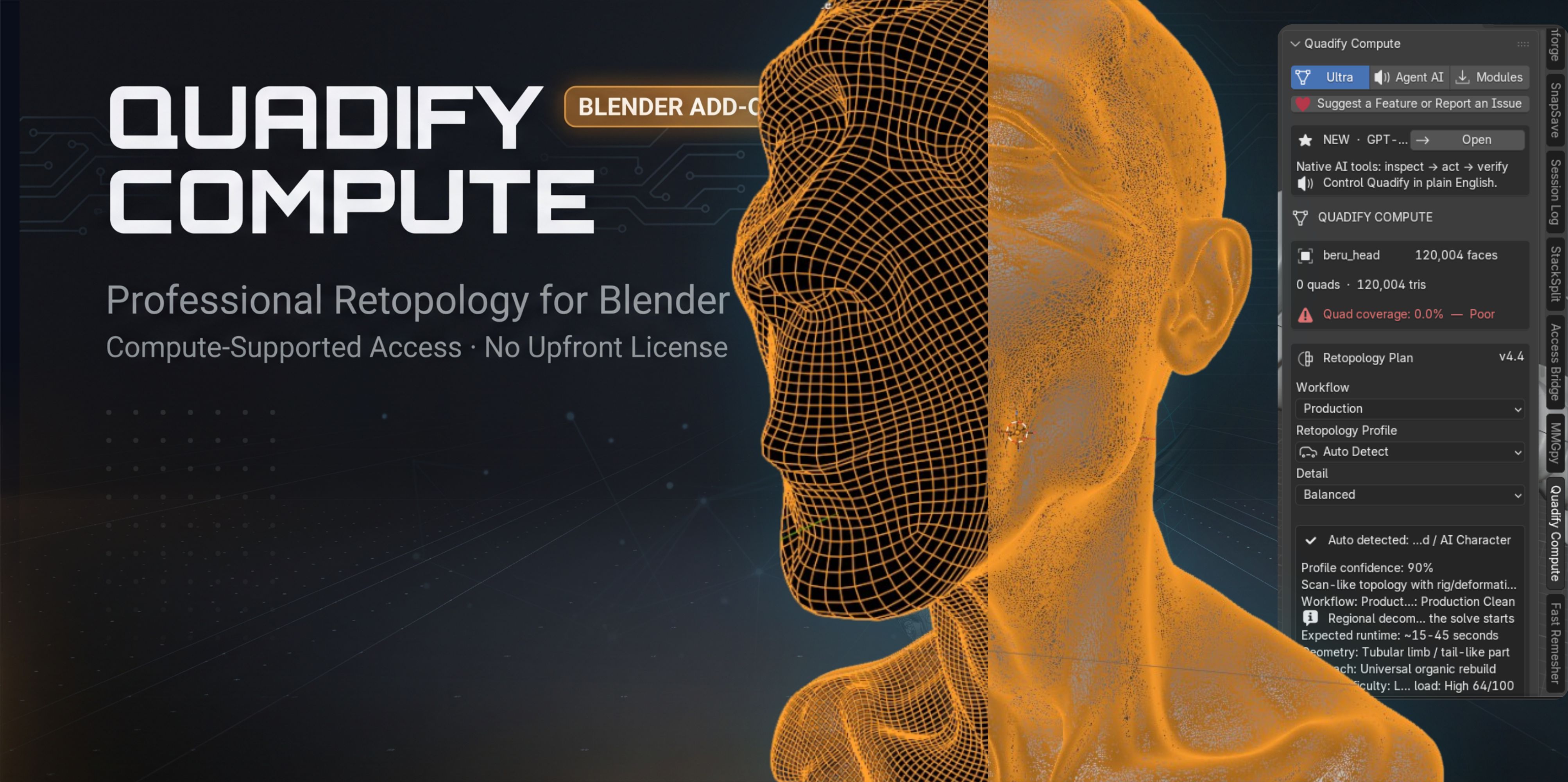
Quadify Compute provides a free entry point for creators who need automatic mesh cleanup or retopology inside Blender. It is most useful when you want to test an automated approach on your own assets before investing in a larger production tool. The current Compute edition uses an optional background-compute model after explicit user consent, so users should review the product page's resource-use details before enabling that option.
For more options, see Best Blender Retopology Tools in 2026.
3. Godot for an open game-engine option
Godot is a strong option for teams that want an open-source engine with 2D and 3D capabilities and a workflow that can be customized deeply. It is especially attractive when a small team values source access and a lightweight editor.
Engine choice should still be driven by the game. If you depend on a specific console pipeline, rendering feature, marketplace ecosystem or team skill set, evaluate those requirements before committing.
4. Krita for painting and concept work
Krita is a capable free digital painting application for concept art, texture painting preparation, UI artwork and 2D asset creation. It is a practical companion to a 3D pipeline because it can handle image work that does not require a subscription-based design suite.
5. GIMP for general image editing
GIMP is useful for image cleanup, channel work, masks, format conversion and other general raster-editing tasks. It can fill many of the small production jobs that appear between an art application and a game engine.
6. Audacity for straightforward audio editing
Audacity remains useful for trimming, cleaning, normalizing and preparing straightforward audio assets. It is not a complete replacement for a dedicated DAW when music production becomes complex, but it covers a large amount of everyday sound preparation.
7. Git for source history
Every serious project needs recoverable history. Git provides the foundation for tracking text-based project changes and code. For large binary game assets, plan the repository structure and large-file strategy deliberately rather than committing everything without limits.
The important feature is not Git itself. It is the ability to answer: what changed, who changed it, and how do we return to a working state?
8. Visual Studio Code for lightweight coding and project work
VS Code is useful for scripting, web work, configuration, documentation and many engine-adjacent development tasks. Extensions can adapt it to different languages, but keep the installation controlled so every developer can reproduce the environment.
9. OBS Studio for capture and testing evidence
Screen capture is a development tool, not only a marketing tool. OBS can record bug reproduction, playtest sessions, before-and-after optimization tests and short product demos.
A clear video of a bug can save more time than a paragraph trying to describe it.
10. Native validation and profiling tools in your engine
Do not ignore what the engine already includes. Unity provides package and profiling systems. Unreal Engine provides Data Validation and several editor scripting paths. These built-in tools should be the first layer of production diagnostics because they understand the engine directly.
Build the stack around the game
A 2D narrative game and a photorealistic 3D action game do not need the same stack. Start from the actual pipeline:
- Where are assets created?
- How are they reviewed?
- How are they moved into the engine?
- How are performance and validity checked?
- How are builds reproduced?
- How are bugs recorded and fixed?
- How is project history protected?
Then choose one tool for each responsibility.
Where paid tools become worth it
A free tool stack is enough to ship real games. Paid tools become useful when they remove a repeated cost: a retopology process that takes hours every week, a validation step that artists keep forgetting, a build pipeline that fails manually or an asset handoff that generates constant rework.
Do not upgrade because a tool is popular. Upgrade when the time or reliability gain is measurable.
A compact indie stack
For many small teams, a sensible starting stack is Blender for 3D, Krita or GIMP for image work, Audacity for audio cleanup, Git for history, VS Code for code and scripts, OBS for capture, and the validation/profiling tools built into the chosen engine. Add Quadify Compute or other free specialist utilities where they address a specific production problem.
The best free stack is the one you can understand, maintain and reproduce on a second machine without spending a day rebuilding the environment.
Tools mentioned in this article
Product availability and pricing may change.
 Free
FreeBlender · Linux · macOS · Windows
Quadify Compute
Blender · Linux · macOS · Windows
Free automatic retopology option for Blender users.
Common questions
Can I make a commercial game using only free tools?
Yes, many free and open-source tools are capable of professional production. Always verify the current license and commercial-use terms of each tool and any assets you include.
Which free tool should an indie developer learn first?
Choose based on the role you perform most. For 3D-heavy work, Blender is a strong foundation. For programming, learn your engine and version control before adding many specialist utilities.
When should I replace a free tool with a paid one?
When the paid tool removes a repeated, measurable bottleneck or reliability problem that costs more time than the tool is worth.