
Pipeline And Automation
Hardsurface Doctor — Boolean Repair, Bevel & Stack Suite
Hardsurface Doctor — Non-Destructive Boolean, Bevel & Cleanup Suite Hard Ops and Boxcutter own the cutting workflow. Hardsurface Doctor owns everything that happens after the cut — the mess, the broken bevels, and the ta…
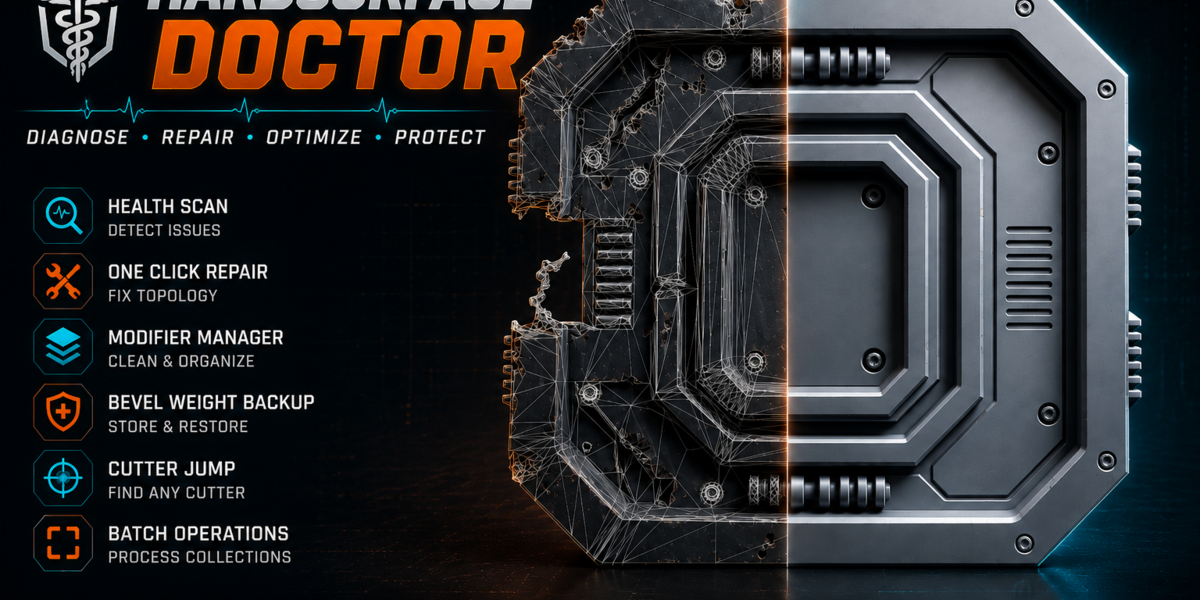
Hardsurface Doctor — Non-Destructive Boolean, Bevel & Cleanup Suite Hard Ops and Boxcutter own the cutting workflow. Hardsurface Doctor owns everything that happens after the cut — the mess, the broken bevels, and the tangled modifier stack. It is a single, complete product for hard-surface modelers who work non-destructively: scan for boolean damage, repair it with confidence, keep bevel weights alive across topology changes, and manage complex boolean stacks without losing control.
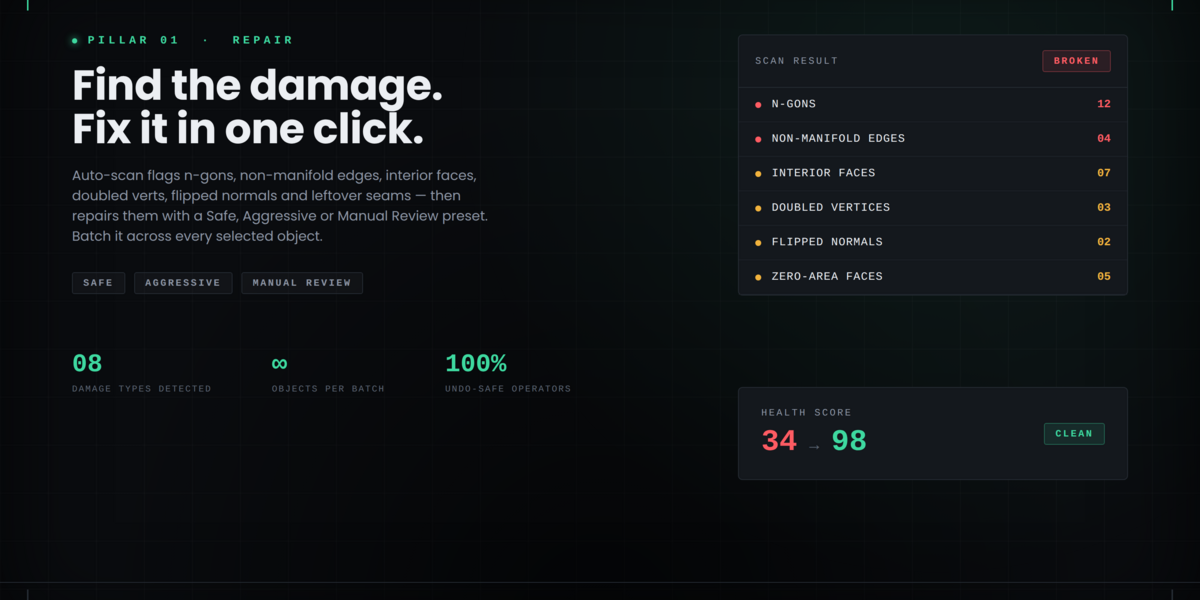
Why Hardsurface Doctor? Boolean operations are powerful, but they leave damage: non-manifold edges, interior faces, zero-area faces, doubled vertices, flipped normals, shading artifacts, and leftover seams. Bevel weights get invalidated the moment topology changes. Modifier stacks grow messy and hard to reorder or debug. Hardsurface Doctor closes that gap with three focused pillars:
Repair — detect and fix boolean damage Bevel Manager — preserve and reapply bevel weights + profiles Boolean Stack — visualize, reorder, mute, and preset your operations
All features are included. No tiers.
Key Features Repair
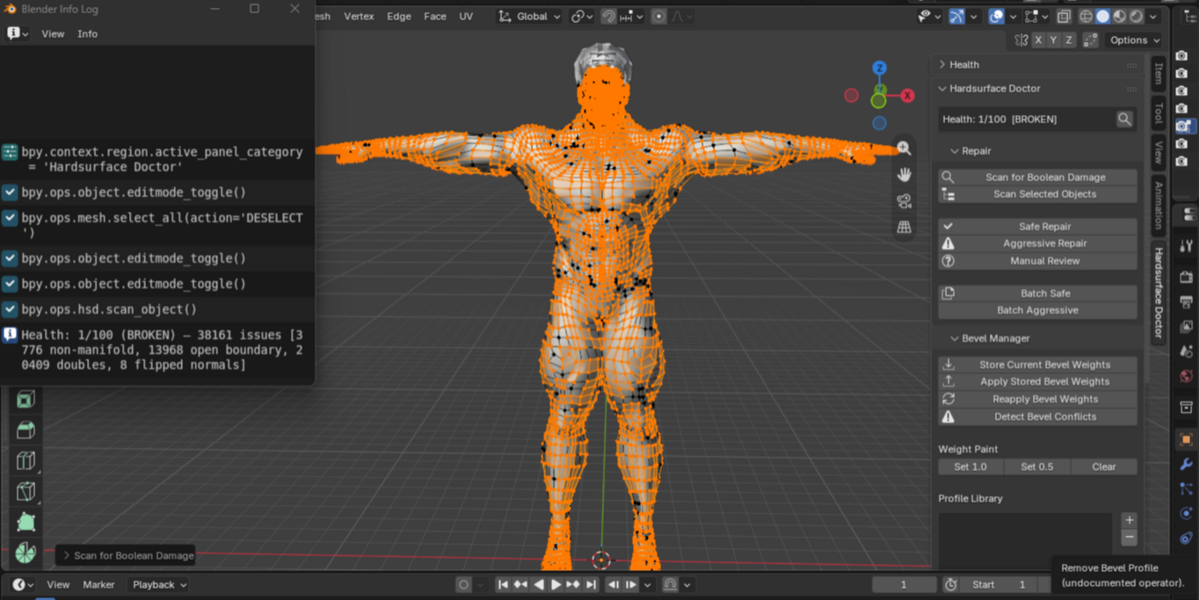
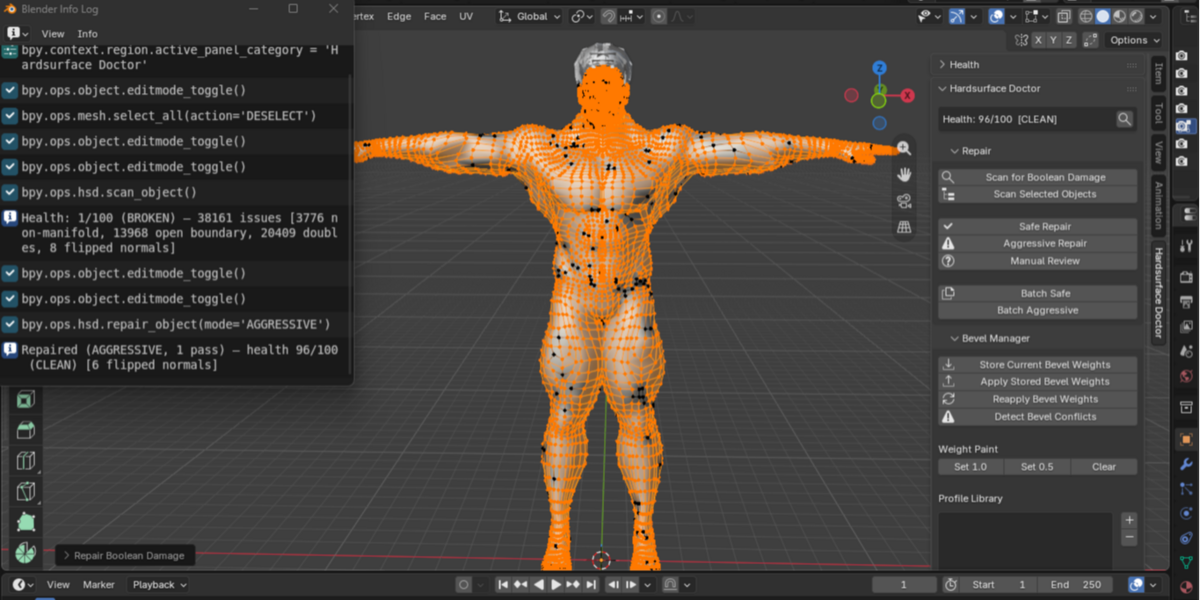
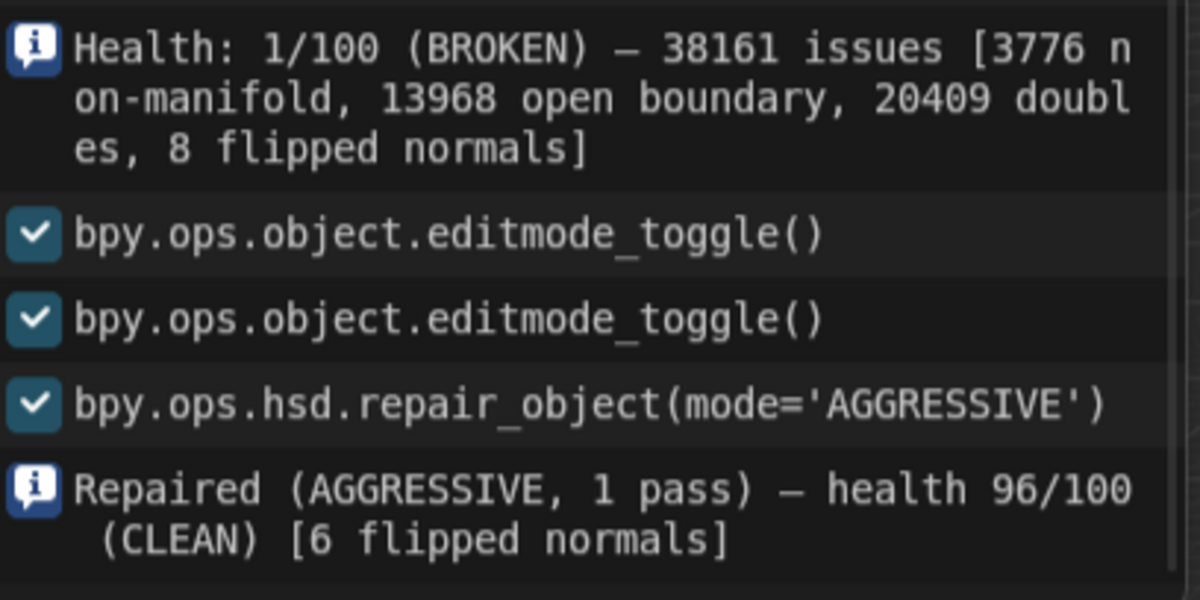
Auto-scan for boolean damage: n-gons, non-manifold edges, interior faces, zero-area faces, doubled vertices, flipped normals, shading artifacts, leftover seams One-click presets: Safe, Aggressive, Manual Review Batch repair across multiple selected objects Per-object health score (0–100) with status: CLEAN / NEEDS ATTENTION / BROKEN Detailed issue breakdown directly in the panel
Bevel Manager
Persistent bevel weight tracking — store weights before heavy edits and reapply them after topology changes Bevel weight paint (set 1.0 / 0.5 / clear on selected edges) Profile library (save, load, apply, import, export) Conflict detection for overlapping bevels
Boolean Stack
Visual list of all boolean modifiers on the active object Reorder operations (move up / down) with live stack update Mute / unmute individual operations Rename, tag, and group operations Jump-to-cutter (select the cutter object) Export / import stack presets for kit-bashing and reuse
Cross-Pillar
Unified sidebar panel Per-object health score and last-repair summary Undo-safe operators throughout Preferences for auto-repair-on-apply and defaults
Quick Start
Select a mesh that has boolean modifiers or boolean damage. Click Scan for Boolean Damage. Use Safe Repair or Aggressive Repair (or Manual Review to inspect first). Open Boolean Stack → Refresh → reorder / mute as needed. Store bevel weights before major edits; reapply after.
Compatibility & Requirements
Blender 4.2 and later (4.x and 5.x supported) Works with any mesh using boolean modifiers GPL-3.0-or-later
Panel location: 3D Viewport → Sidebar → Hardsurface Doctor tab Publisher: Serena Egwoba
Contact: serenaegwoba@gmail.com Clean up the mess after the cut — keep your hard-surface workflow non-destructive and under control.