
 ▶
▶
Retopology
Quadify Base
Quadify Base: Smarter topology, cleaner meshes, faster workflows.
Quadify for Blender
Smart Quad Remeshing for Real Production Workflows
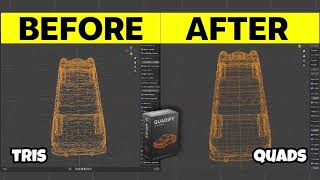
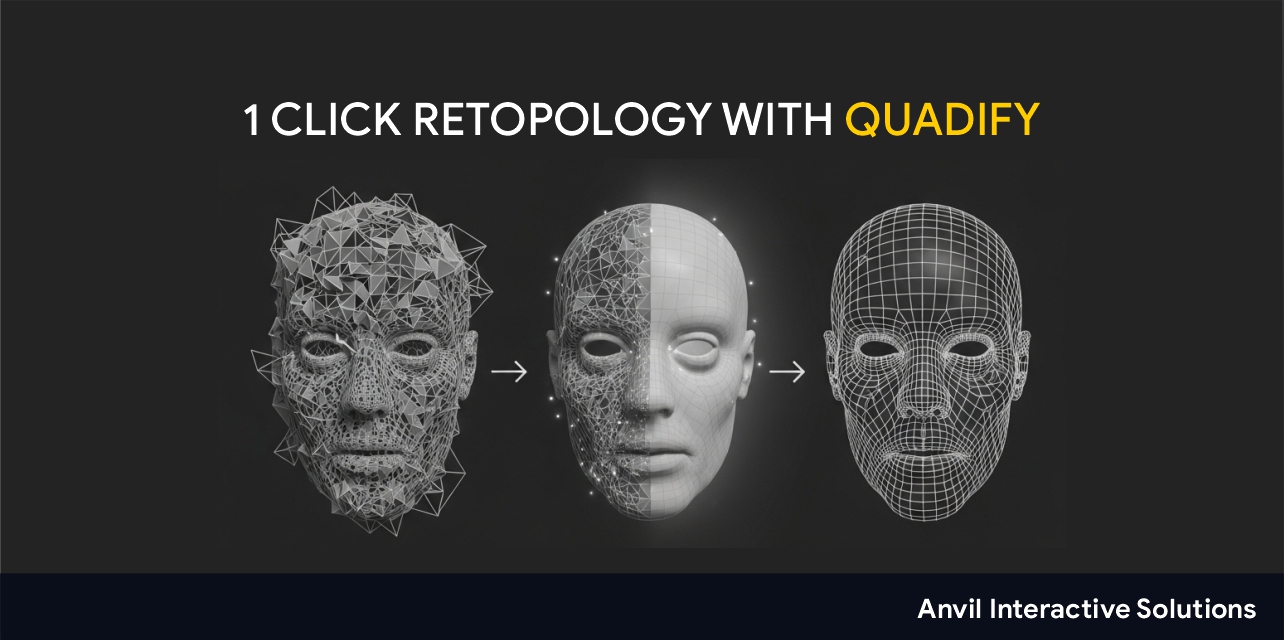
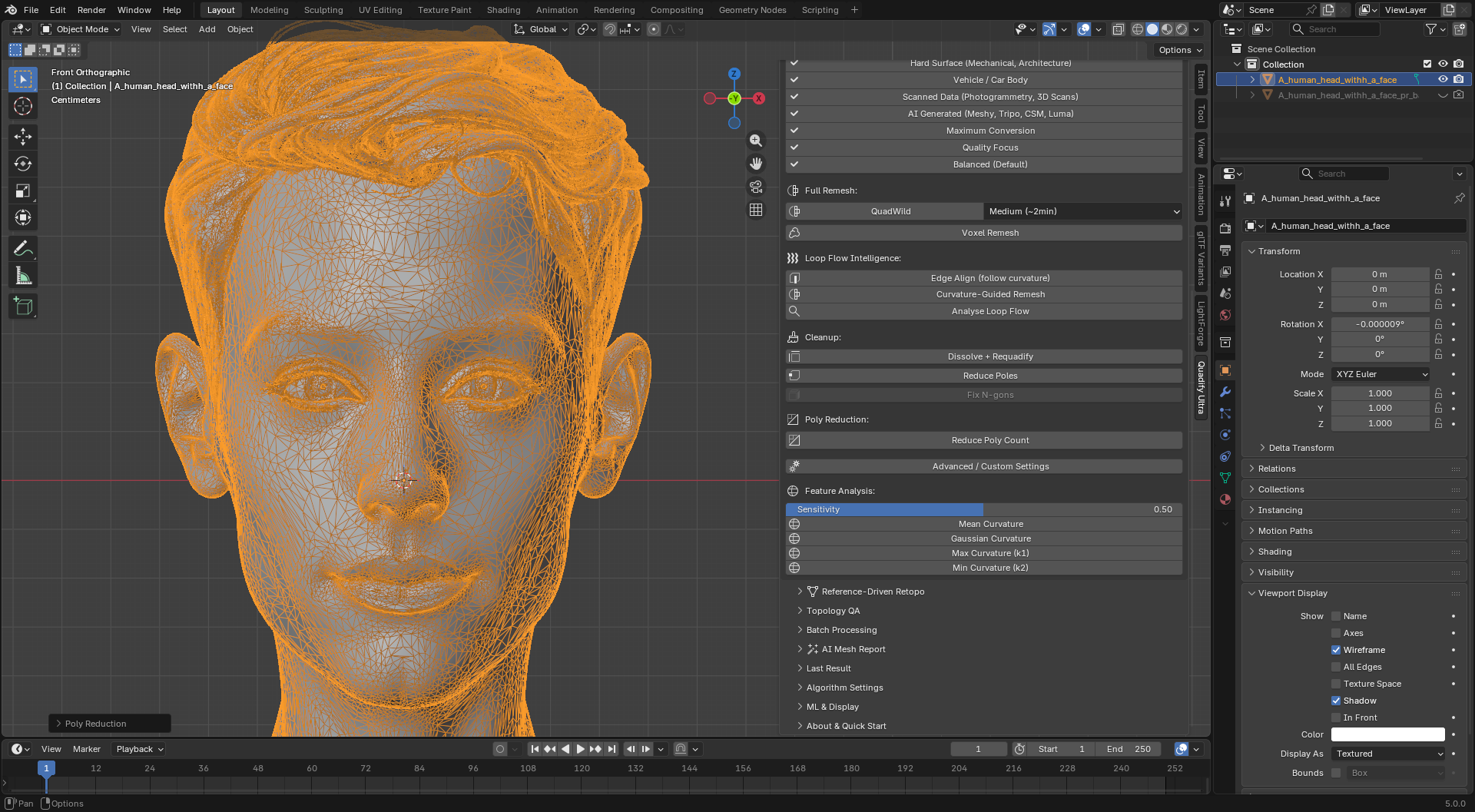
Quadify helps artists convert complex, triangulated, or uneven meshes into cleaner, more predictable quad topology inside Blender.
It is designed for the work that happens after remeshing: deformation, rigging, UVs, baking, optimization, and asset delivery.
Unlike basic one-click remeshers that prioritize speed alone, Quadify focuses on controlled conversion, topology preservation, and reliable results across different mesh types.
Why Quadify?
One-click remeshing can leave behind:
- Uneven edge flow
- Stretched or distorted quads
- Inconsistent results across mesh types
- Poor deformation around important areas
- Extensive manual cleanup
Quadify takes a more considered approach. It analyzes the active mesh and selects an appropriate conversion strategy for hard-surface, organic, mixed, dense, and triangulated geometry.
The goal is not simply to produce more quads. The goal is to produce better topology while avoiding unsafe or distorted results.
Key Features
- Smart mesh classification
- Adaptive tri-to-quad conversion
- Topology-aware hard-surface recovery
- Multi-pass conversion for complex meshes
- UV seam, material, and sharp-edge preservation
- Mesh health checks and repair tools
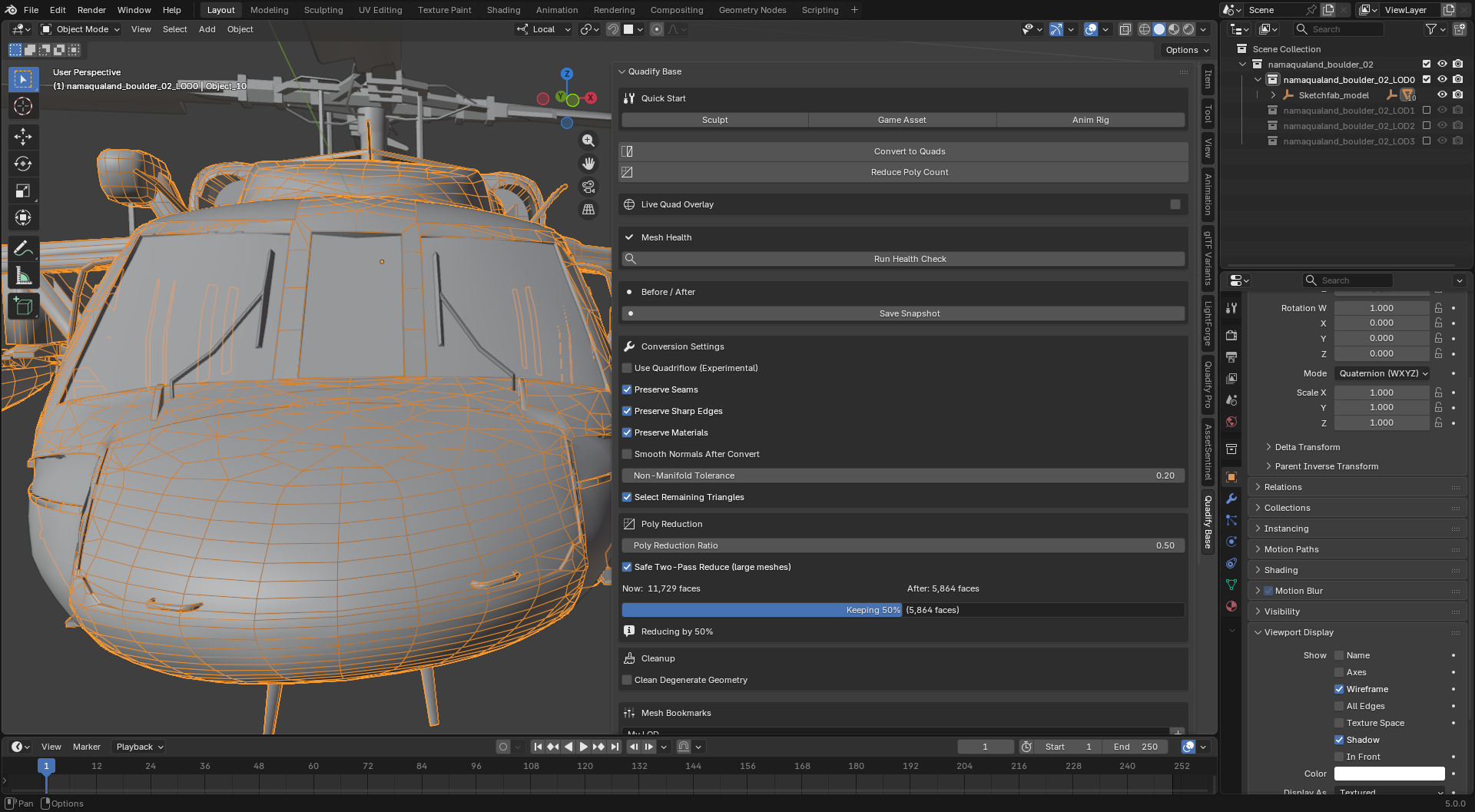
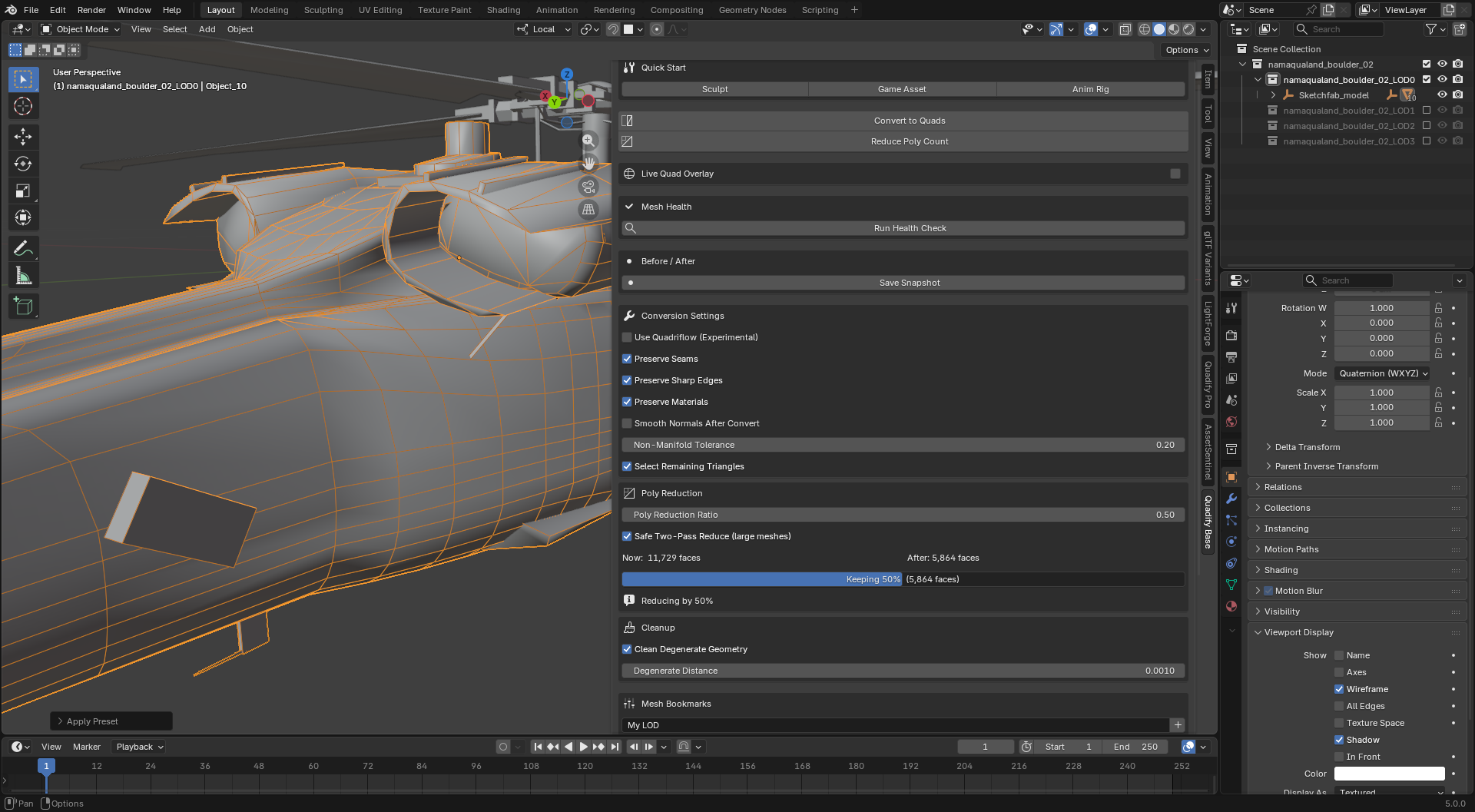
- Polygon reduction with optional two-pass processing
- Quad coverage reporting
- Live quad and triangle overlay
- Before/after mesh backups
- Workflow presets for sculpting, game assets, and animation
- Experimental QuadriFlow integration
- Blender-native workflow inside the 3D Viewport
Typical Use Cases
Character and Animation
Prepare meshes for:
- Rigging
- Skinning
- Deformation testing
- Animation cleanup
- Sculpt-to-production workflows
Game Development
Create cleaner assets for:
- Real-time engines
- Polygon reduction
- UV preparation
- Baking and normal maps
- LOD preparation
Hard-Surface Modeling
Clean up complex mechanical or manufactured meshes while preserving:
- Sharp edges
- Material boundaries
- UV seams
- Important surface structure
Sculpt and Scan Cleanup
Convert dense or triangulated meshes into more manageable topology while retaining the original mesh in a safe backup.
Built for Control
Quadify does not force every triangle into a quad when doing so would create poor topology.
Residual triangles may be preserved when the alternative would be:
- Stretched faces
- Broken surface flow
- Unsafe edge connections
- Distorted hard-surface forms
This makes the result more predictable and easier to inspect.
Quadify Base
Quadify Base is the free single-object edition.
It includes:
- Smart Convert
- Quick Fix
- Manual conversion controls
- Polygon reduction
- Mesh health checks
- Quad overlay
- Before/after backups
- Workflow presets
- Bookmarks
- Experimental QuadriFlow support
It is a practical starting point for artists who need reliable mesh cleanup without a complex production pipeline.
Upgrade When Your Workflow Grows
Higher Quadify editions add capabilities for larger and more demanding workflows:
- Premium: batch processing, protected regions, density targeting, and LOD generation
- Pro: pipeline tools, UV normalization, Agent Mode, Asset Compiler, and Ship Gate
- Ultra: advanced automatic routing, ML-assisted algorithm selection, and reference-driven workflows
Who Is Quadify For?
Quadify is for:
- Character artists
- Technical artists
- Game developers
- Hard-surface modelers
- Sculptors
- Blender pipeline users
- Anyone who needs more control than a basic one-click remesher provides
Who Is It Not For?
Quadify may not be the right choice if you only need:
- A disposable preview mesh
- The fastest possible remesh with no inspection
- Fully art-directed retopology without manual decisions
- A replacement for hand-built deformation topology
Pricing
Quadify Base is free.
Use it on real projects, evaluate the results, and upgrade when you need batch processing, production tools, or advanced automation.
Requirements
- Blender 5.0 or newer
- Windows, macOS, or Linux
Support the Project
Quadify is actively developed. If it saves you time or helps solve a mesh that another remesher could not, a rating or review helps support continued development.