
Workflow Templates
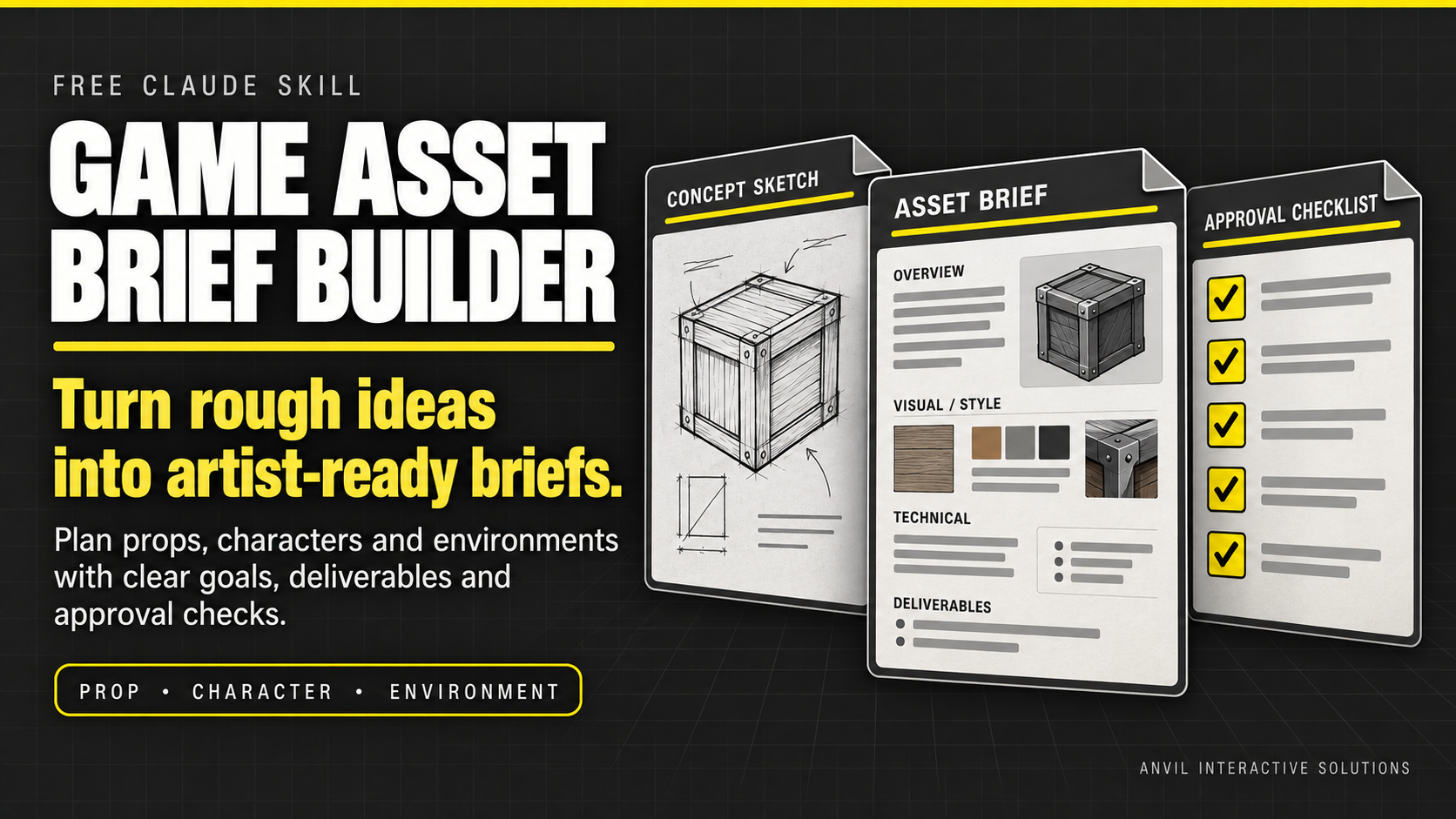
Game Asset Brief Builder — Free Claude Skill
Turn “make this game-ready” into a brief an artist can actually use Start with a sentence, a reference image, or a half-formed idea. The free Game Asset Brief Builder Claude Skill helps you organize what the asset is for…
Turn “make this game-ready” into a brief an artist can actually use
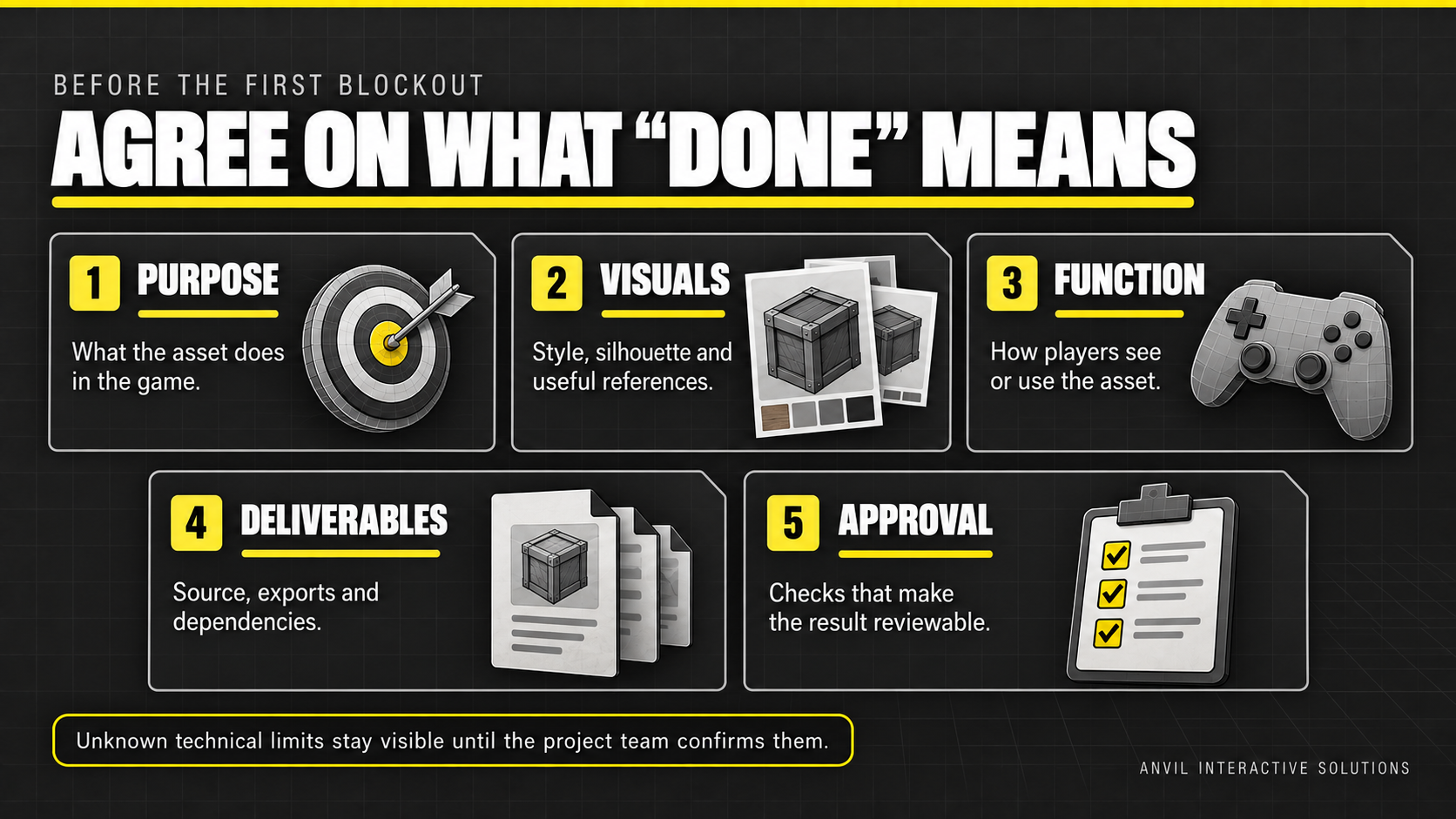
Start with a sentence, a reference image, or a half-formed idea. The free Game Asset Brief Builder Claude Skill helps you organize what the asset is for, how it should look and behave, which files are needed, and what the team must still decide.
Included
- Claude Skill for drafting clear game asset briefs
- Separate templates for props, characters, and environment pieces
- Brief quality guide for making requirements specific and reviewable
- Fictional worked example
- Quick-start guide
How to use it
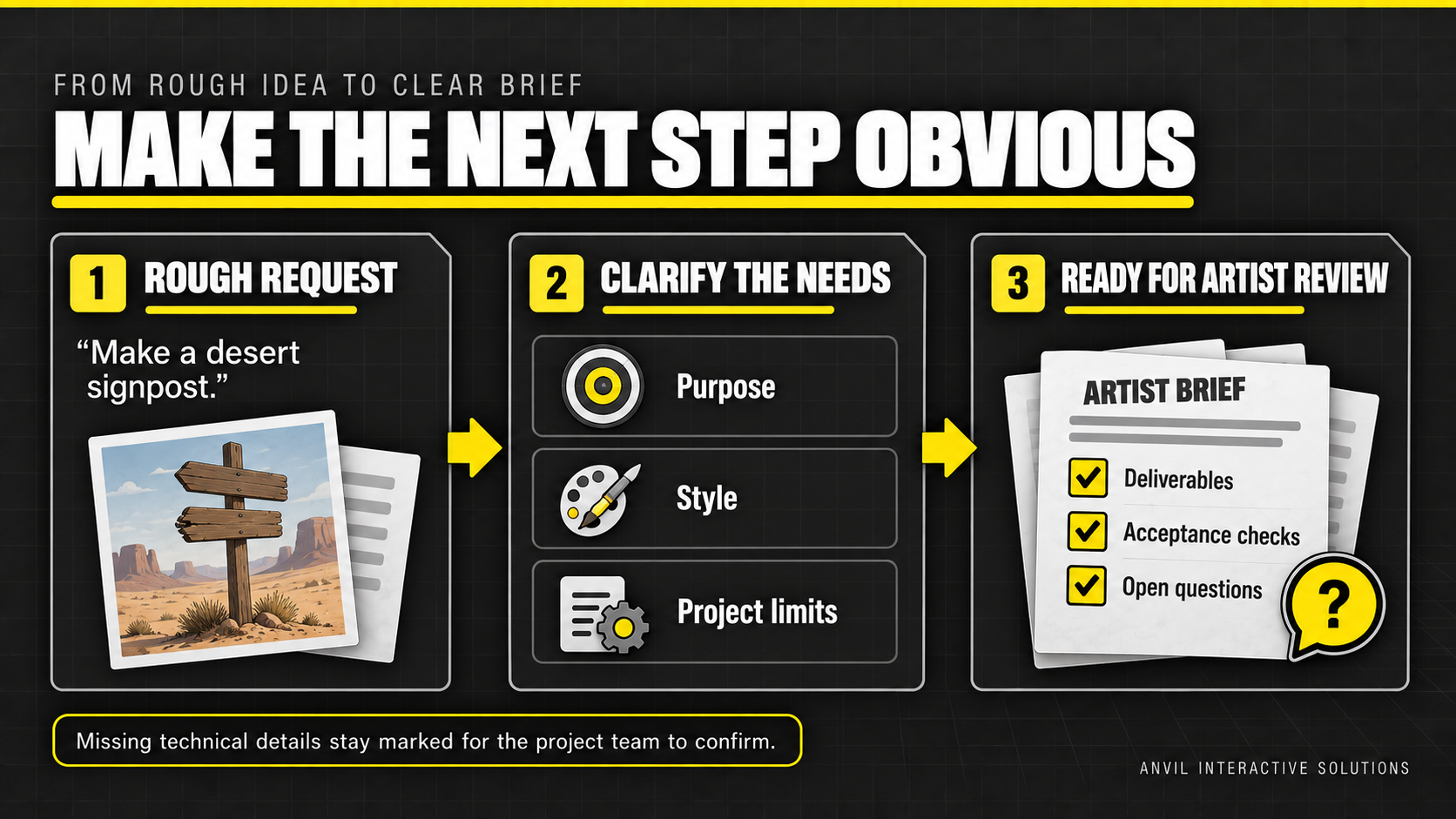
Describe the asset and its gameplay purpose. Add reference images if you have them, and tell Claude what each reference should communicate. The Skill will ask a few high-impact questions or draft with open questions and assumptions clearly marked.
Who it helps
- Indie developers writing art tasks
- Game artists clarifying a request before modeling
- Designers preparing briefs for freelancers
- Technical artists identifying decisions that affect the pipeline
Requirements and limitations
- Claude account with custom Skill uploads enabled
- The Skill drafts and organizes requirements; it does not create or inspect 3D models or verify assets in Blender, Unity, or Unreal
- Technical budgets and settings must be confirmed with the actual project team
Free to download. Useful before the first blockout.
Related product
When the asset is ready for export, the paid Blender Game Asset Handoff Toolkit helps review the evidence and organize the Blender-to-Unity/Unreal handoff. Blender Game Asset Handoff Toolkit for Claude