
Workflow Templates
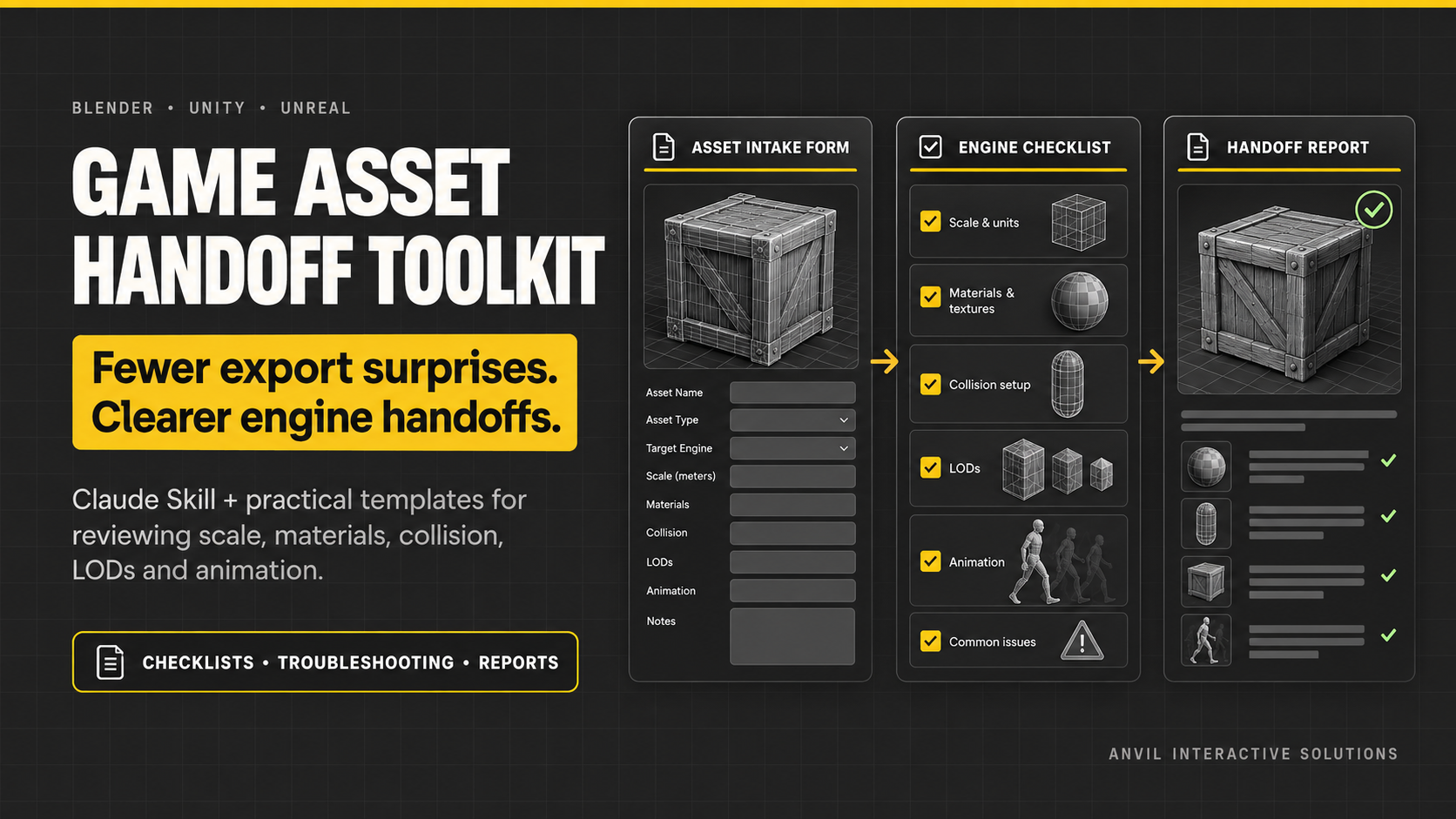
Blender Game Asset Handoff Toolkit for Claude — Blender to Unity & Unreal
Spend less time guessing why a Blender asset changed in the engine Wrong scale, missing textures, unexpected shading, collider trouble, LOD pops, or a broken animation can turn a simple export into repeated trial and err…
Spend less time guessing why a Blender asset changed in the engine
Wrong scale, missing textures, unexpected shading, collider trouble, LOD pops, or a broken animation can turn a simple export into repeated trial and error.
The Blender Game Asset Handoff Toolkit gives you a repeatable way to collect useful evidence, narrow likely causes, and verify the result. It includes a Claude Skill plus practical templates you can reuse across assets and team handoffs.
A guided workflow for real handoff problems
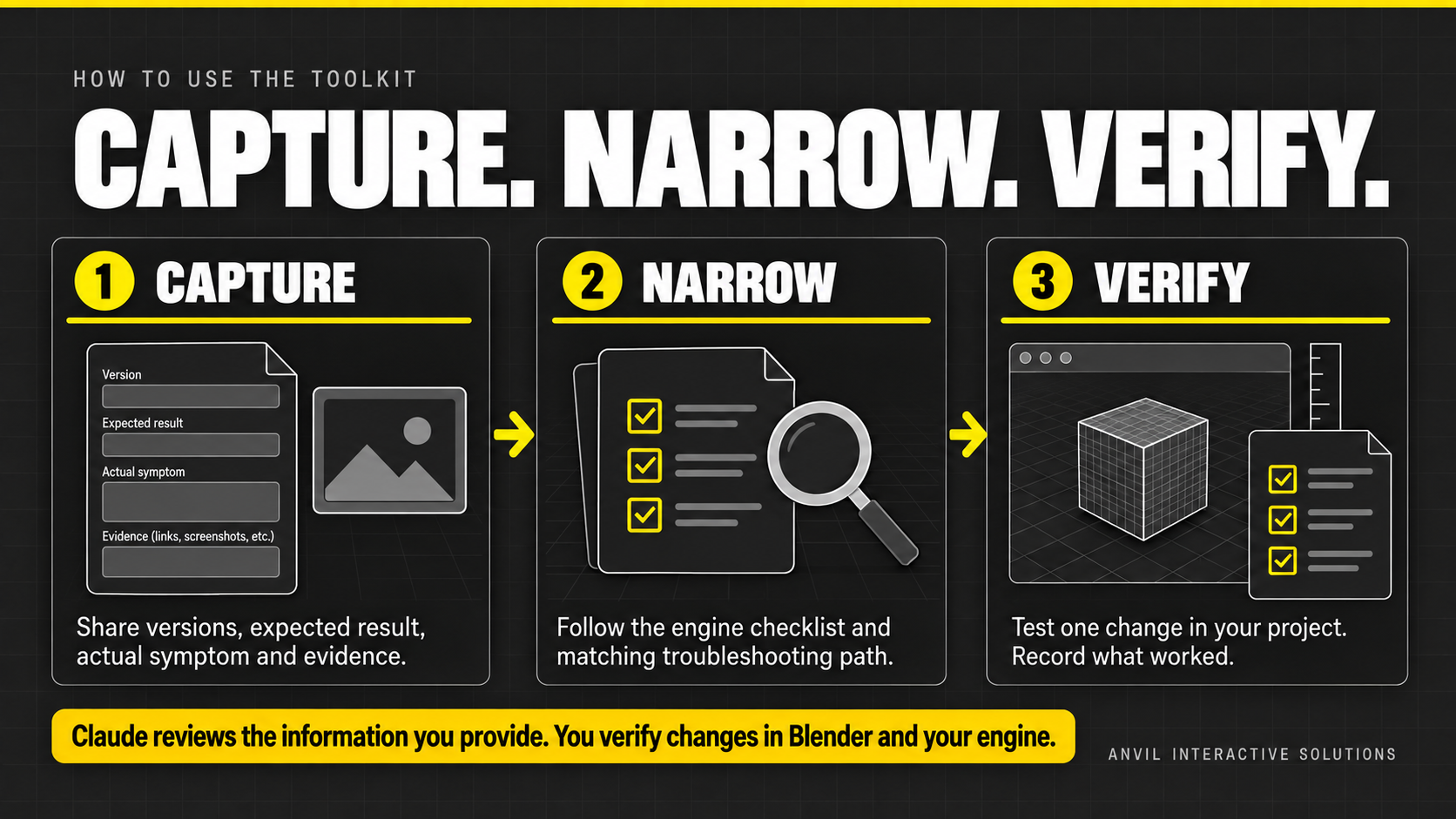
- Describe the expected result and actual symptom.
- Capture versions, export/import settings, and only the screenshots or logs that matter.
- Follow the Unity or Unreal checklist for the destination project.
- Use the symptom playbook to choose a first diagnostic check.
- Test one change on one representative asset.
- Save the result in the handoff report for the next artist.
Included in the download
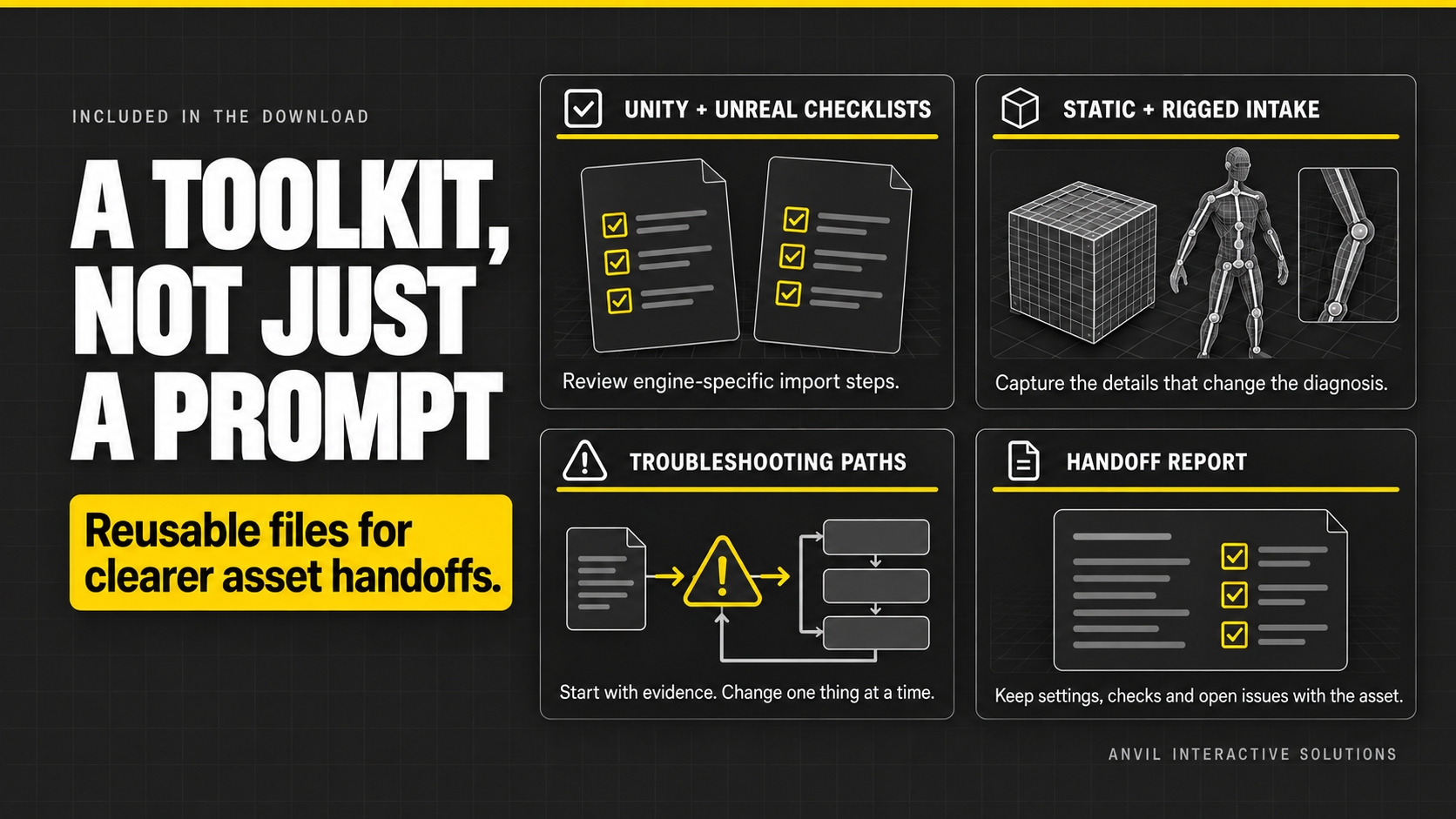
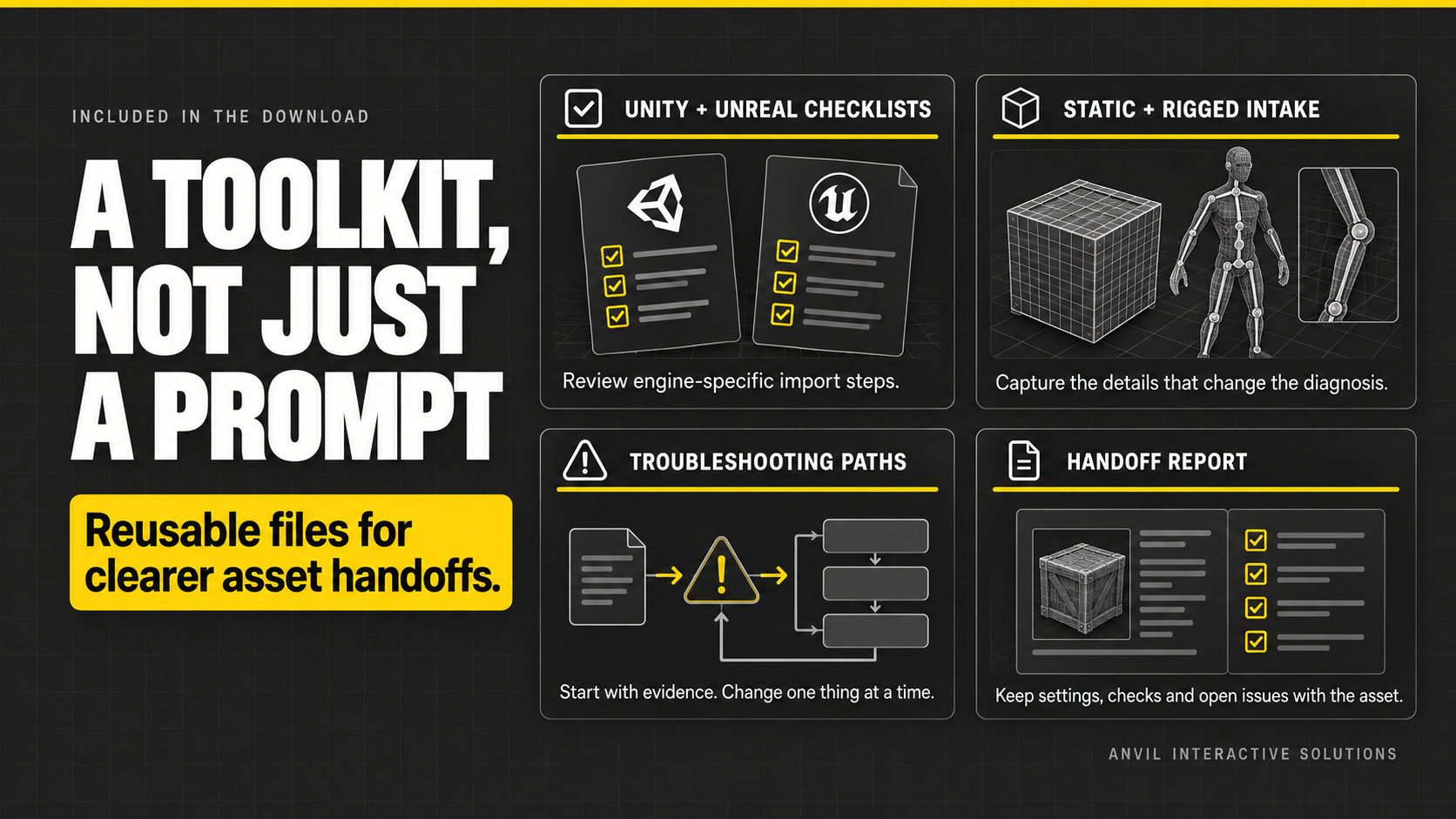
- Claude Skill that structures evidence, distinguishes confirmed facts from assumptions, and returns prioritized next actions
- Static-asset and skeletal-asset intake forms
- Separate Blender-to-Unity and Blender-to-Unreal checklists
- Symptom-based troubleshooting for scale, hierarchy, shading, materials, collision, LODs, rigging, and reimport
- Reusable asset handoff report for documenting files, settings, verification, and recovery
- Worked example showing how to reason about a scale mismatch without pretending the cause is confirmed
- Quick-start guide and official documentation starting points
Designed for
- Blender artists sending assets into Unity or Unreal
- Indie developers repeating exports and imports
- Technical artists documenting a shared pipeline
- Teams onboarding contributors to an established handoff process
Why this is more useful than a generic prompt
Get reusable forms, destination-specific review steps, symptom-led investigation paths, and a record of what was actually verified. Keep the completed handoff report with the asset so decisions and remaining risks do not disappear into chat history.
Requirements and limitations
- Claude account with custom Skill uploads enabled
- Blender plus a Unity or Unreal project to perform and verify checks
- The skill reviews information you provide; it does not operate Blender or the engine, inspect binary project files by itself, or guarantee an import result
- Exact settings vary by application version and project pipeline; confirm version-matched official documentation
- Back up or use source control before replacing assets or batch reimporting
Collect the evidence. Make one change. Verify the handoff.
Fulfillment details
- Product type: digital download; no physical item will be shipped.
- Customer file: Blender-Game-Asset-Handoff-Toolkit.zip
- Suggested delivery note: Your download is ready. Start with README.md. To use the Claude Skill, upload Claude-Skill-Upload.zip in Claude's Skills settings and enable it. The remaining files are reusable intake forms, checklists, troubleshooting guidance, and a handoff report.
- Do not apply a physical shipping charge or request a shipping address for fulfillment.