
Plugins And Source Code
SiteExtract by Elevven11
SiteExtract by Elevven11 Studio Turn a webpage into a clean local starter project. Everything is processed on your device. SiteExtract turns the page you are viewing into a clean, editable starter project and downloads i…
SiteExtract by Elevven11 Studio
Turn a webpage into a clean local starter project. Everything is processed on your device.
SiteExtract turns the page you are viewing into a clean, editable starter project and downloads it as a ZIP file.
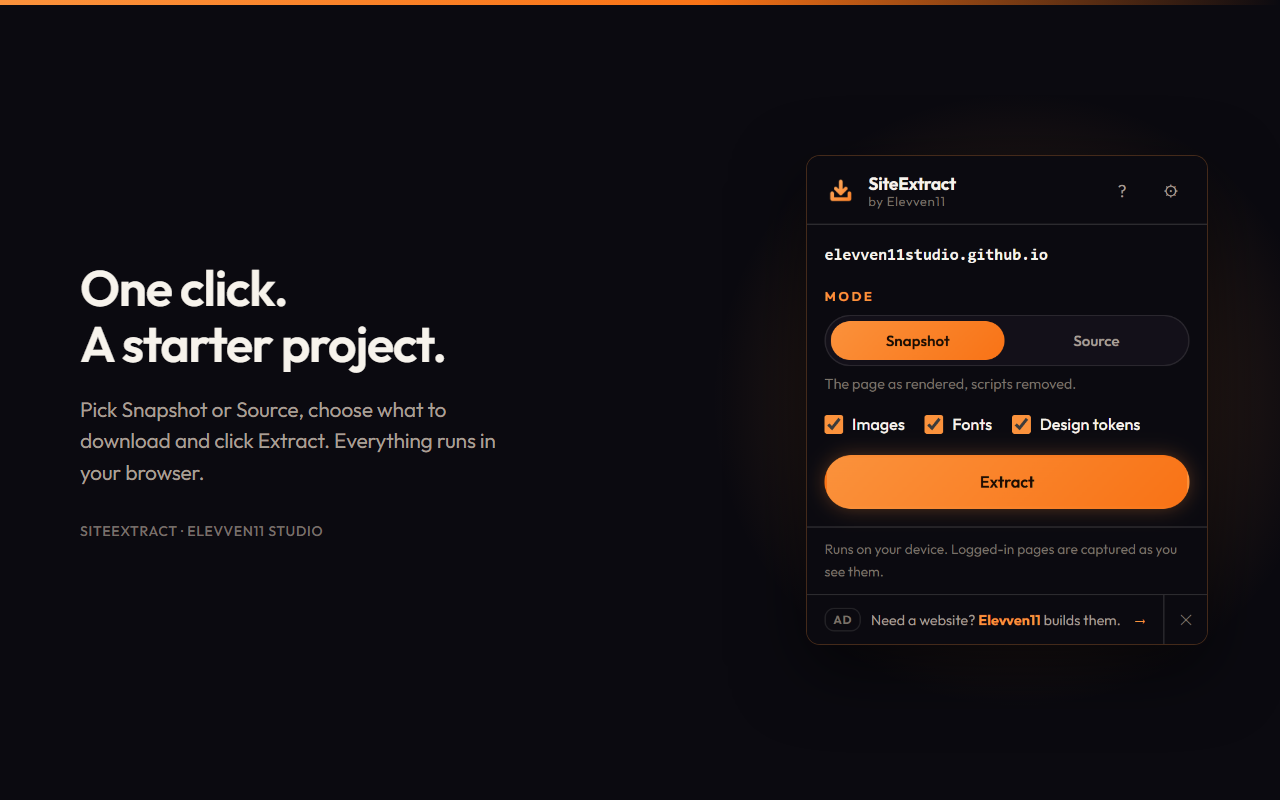
Open a page, click SiteExtract, pick a mode, and press Extract. A new tab fetches the page's stylesheets, images, and fonts, rewrites references to local paths, and packages everything into one downloadable file.
Everything runs in your browser. There is no account, no server, and nothing uploaded.
What You Get
Your extracted project includes the following files and folders:
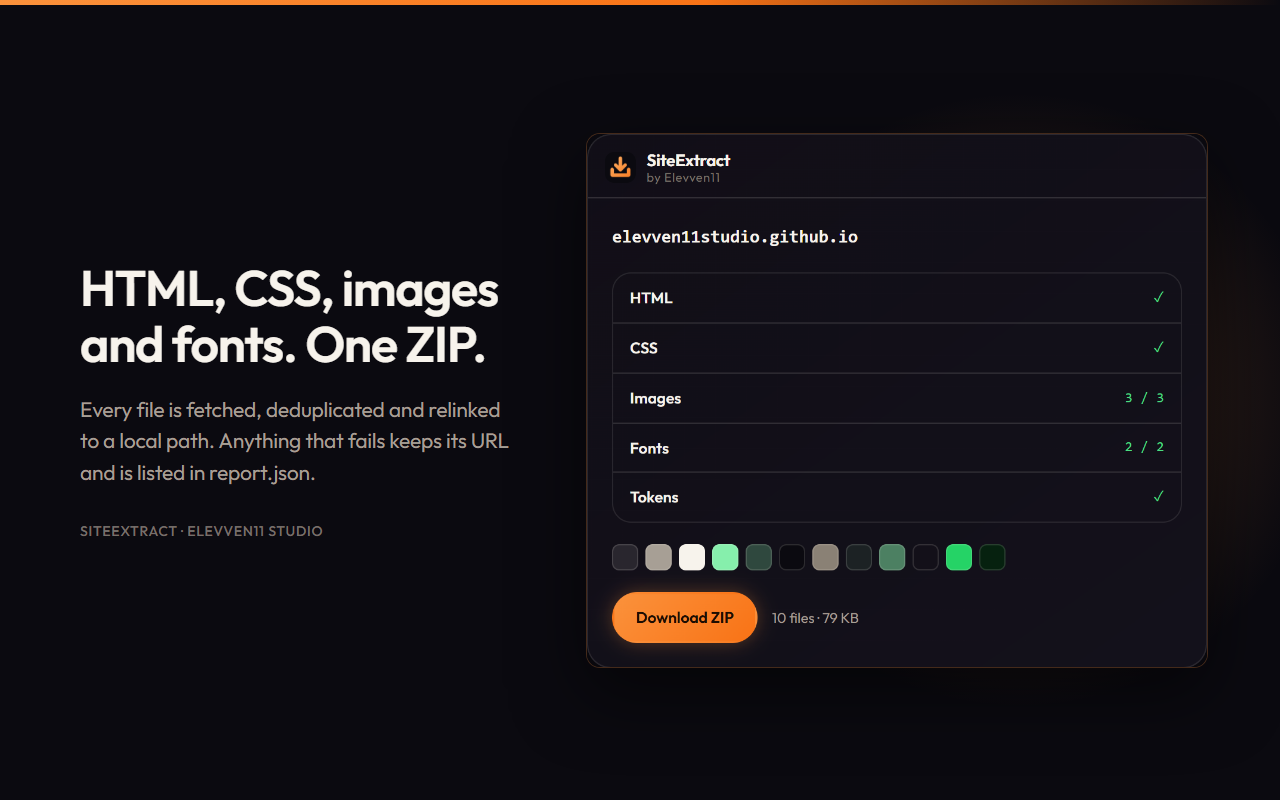
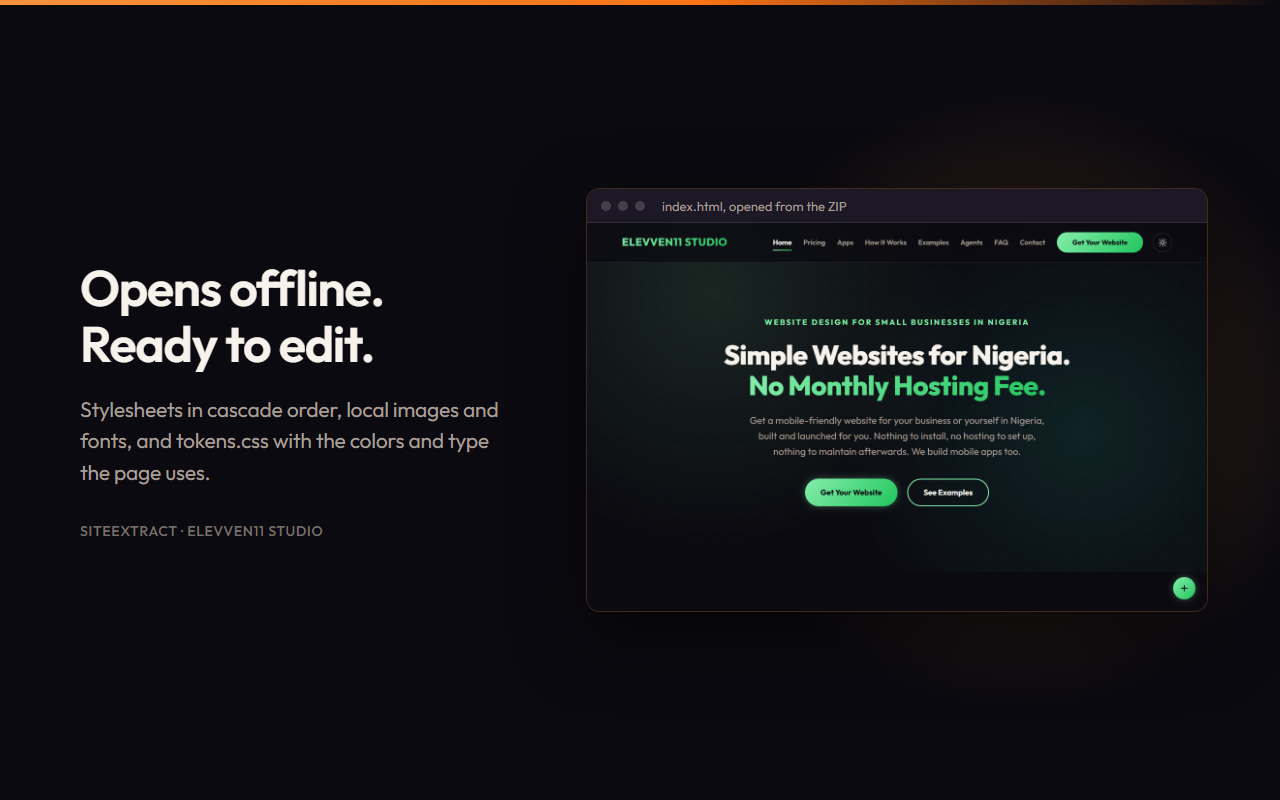
index.html— The page, with its links pointing to local files.css/— Page stylesheets in cascade order, with@importrules inlined and inline styles preserved in their own file.images/— Downloaded and deduplicated images.fonts/— Downloaded and deduplicated fonts.tokens.css— Design tokens extracted from the page, including colours, typography scale, spacing, border radii, and shadows, ranked by how frequently they appear.report.json— A record of files that could not be downloaded and the reasons why.README.md— Documentation describing the extracted project.
Two Extraction Modes
1. Snapshot — The Default
Captures the page as rendered in your browser.
- Preserves form state.
- Captures lazy-loaded images.
- Includes shadow DOM content.
- Captures styles added by scripts.
- Removes every script and inline event handler.
The result is a static page you can open, study, and edit without running the original JavaScript.
2. Source
Refetches the original HTML and preserves its scripts, downloading them into the js/ directory.
Choose this mode when you want to work closer to the original source rather than create a static snapshot.
Honest About What It Missed
A file that fails to download is not silently discarded.
Its original URL is preserved so the page can still use the remote resource when online, and the file is listed in report.json with the reason it could not be downloaded.
Design tokens are a starting point derived from what the page actually renders — not a claim that SiteExtract has recovered the website's original design system.
Privacy by Design
Nothing is uploaded because there is nowhere to upload it to.
- No account, analytics, or telemetry.
- No content script in the manifest. SiteExtract does not operate on a page until you click Extract.
- No automatic extraction in the background.
Sensitive Sites Are Blocked
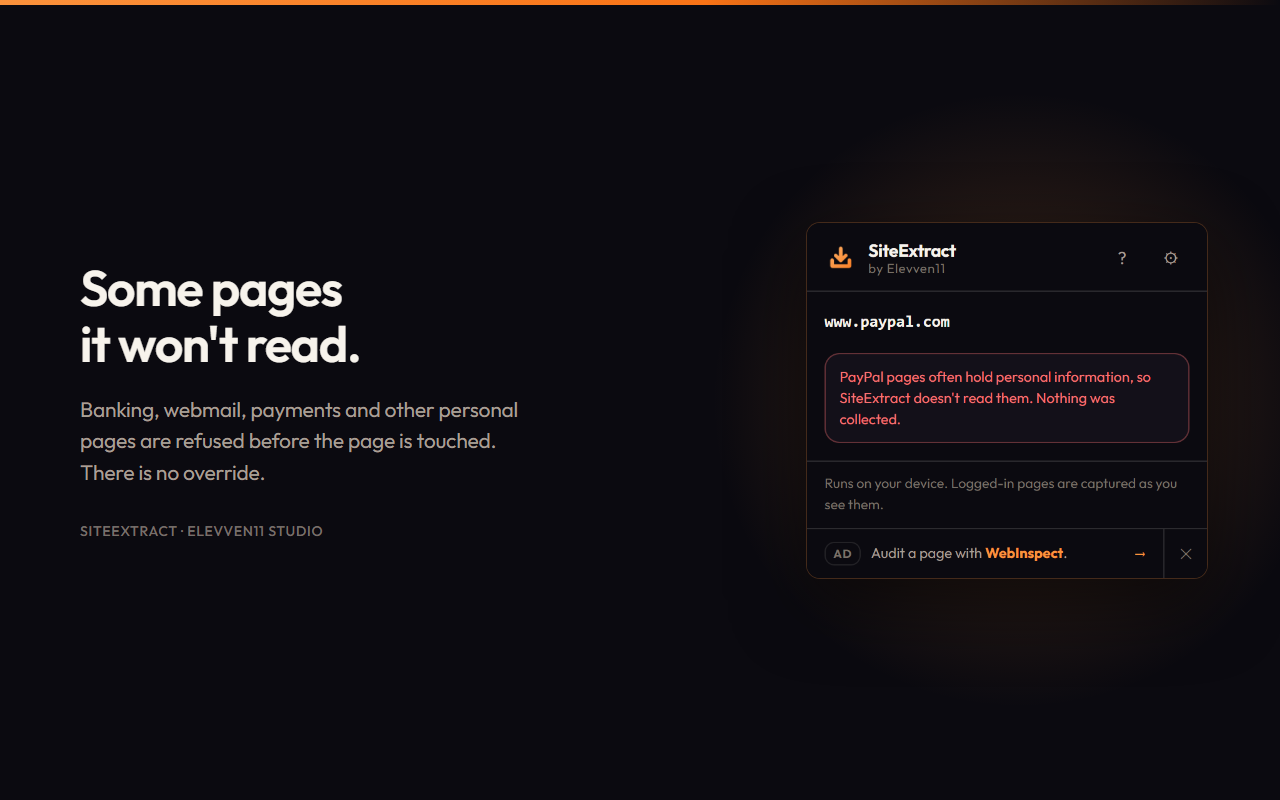
SiteExtract never reads 522 well-known sites. These include large platforms where a copy is rarely useful as a starter project and pages that routinely contain personal information, such as webmail, cloud storage, banking, and payment services.
The check runs before the page is touched, and there is no override.
Sites where people deploy their own work, such as github.io, vercel.app, and netlify.app, are never blocked.
Additional protections include:
- Files pointing to blocked sites or private network addresses are not downloaded.
- Cookies are only ever sent to the page's own site.
Permissions Stay Under Your Control
SiteExtract does not request access to other domains during installation.
On your first extraction, it requests permission to access other domains so that resources hosted on CDNs, such as images and fonts, can be downloaded.
You can withdraw this permission from the settings page at any time.
Declining permission does not prevent extraction. Resources that cannot be downloaded retain their remote URLs.
Your Project, Your Marks
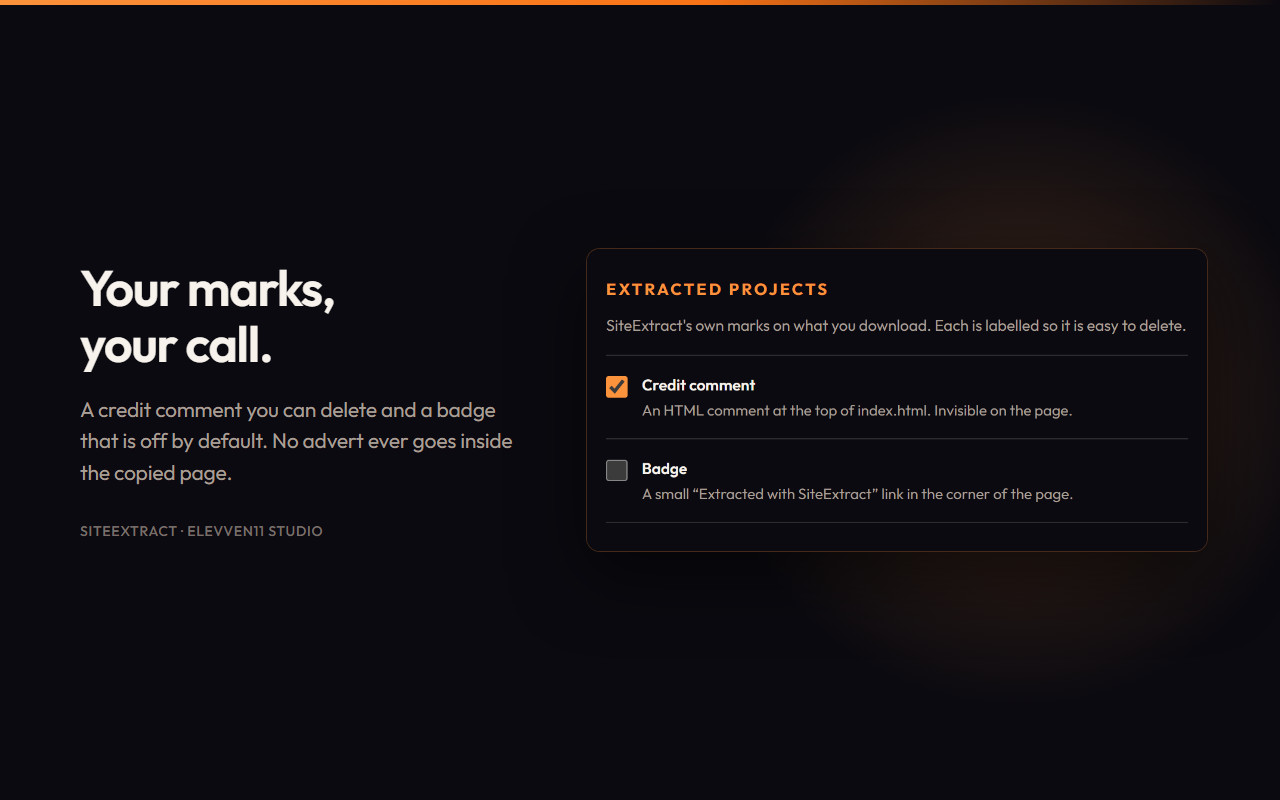
SiteExtract adds an HTML comment at the top of index.html crediting the extension.
- The comment is invisible on the page.
- The credit is clearly labelled.
- You can disable it in settings.
- An optional visible badge is available and disabled by default.
- No advertisement is ever placed inside the copied webpage.
A Note on Use
SiteExtract is intended for learning, prototyping, and working on websites you have the right to copy.
Other people's text, images, and fonts remain their property. Font licences, in particular, often restrict reuse, so check the relevant permissions before using extracted assets in your own projects.
Keyboard Shortcut
Press Ctrl + Shift + E to open SiteExtract on the current page.
You can change the shortcut at:
chrome://extensions/shortcuts
Free, and Staying Free
SiteExtract is free and will remain free.
The extension includes one house advertisement for Elevven11 Studio at the bottom of the popup, clearly labelled "Ad". It is served from a list bundled inside the extension.
Opening the popup makes no network request and does not notify anyone that it was opened. One click turns the advertisement off permanently.
From Elevven11 Studio
SiteExtract helps developers, designers, and learners turn webpages into local starter projects they can explore, learn from, and build upon.
Extract the structure. Explore the design. Start building.