
Client And Agency Systems
Anvil Capture
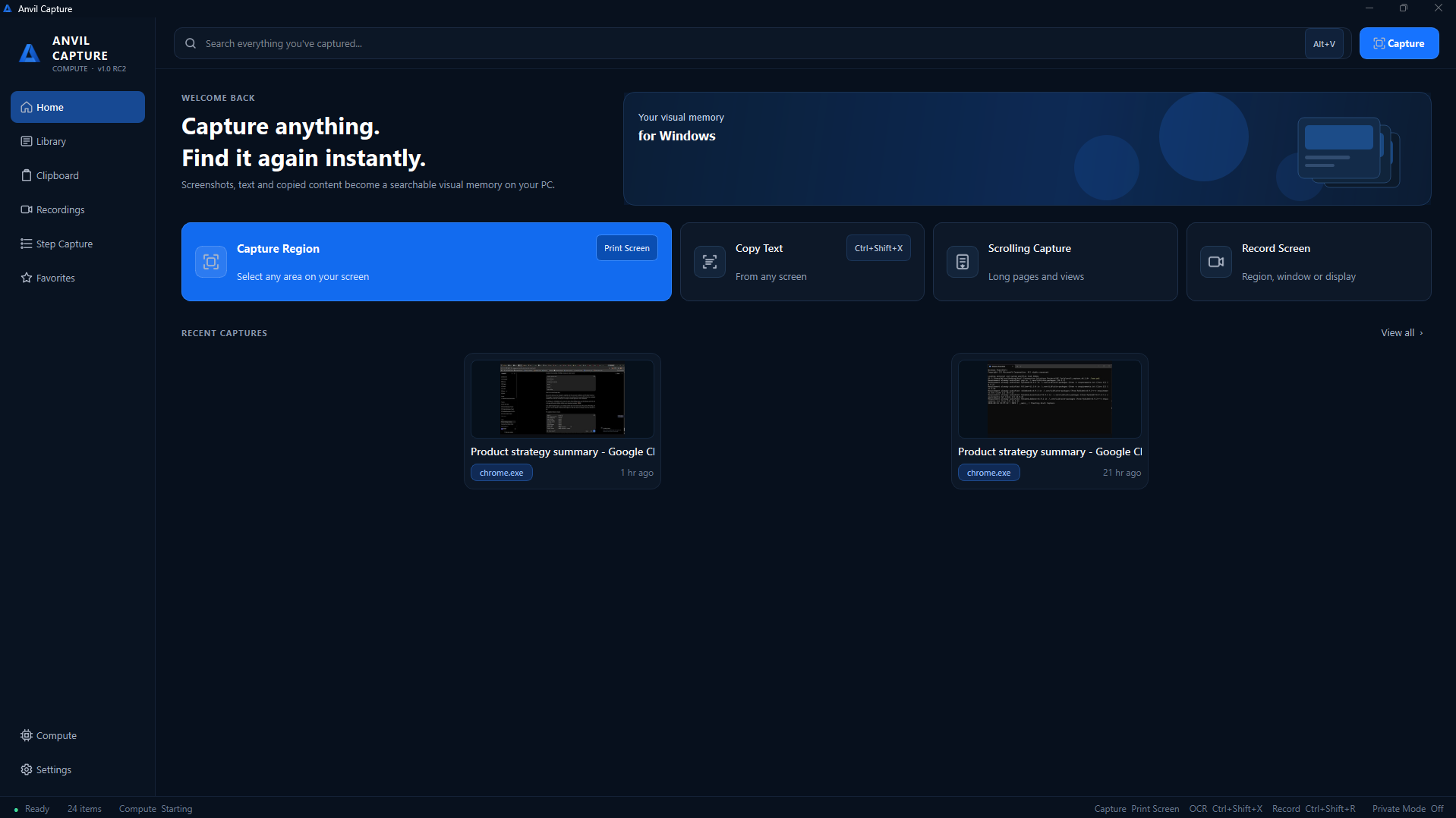
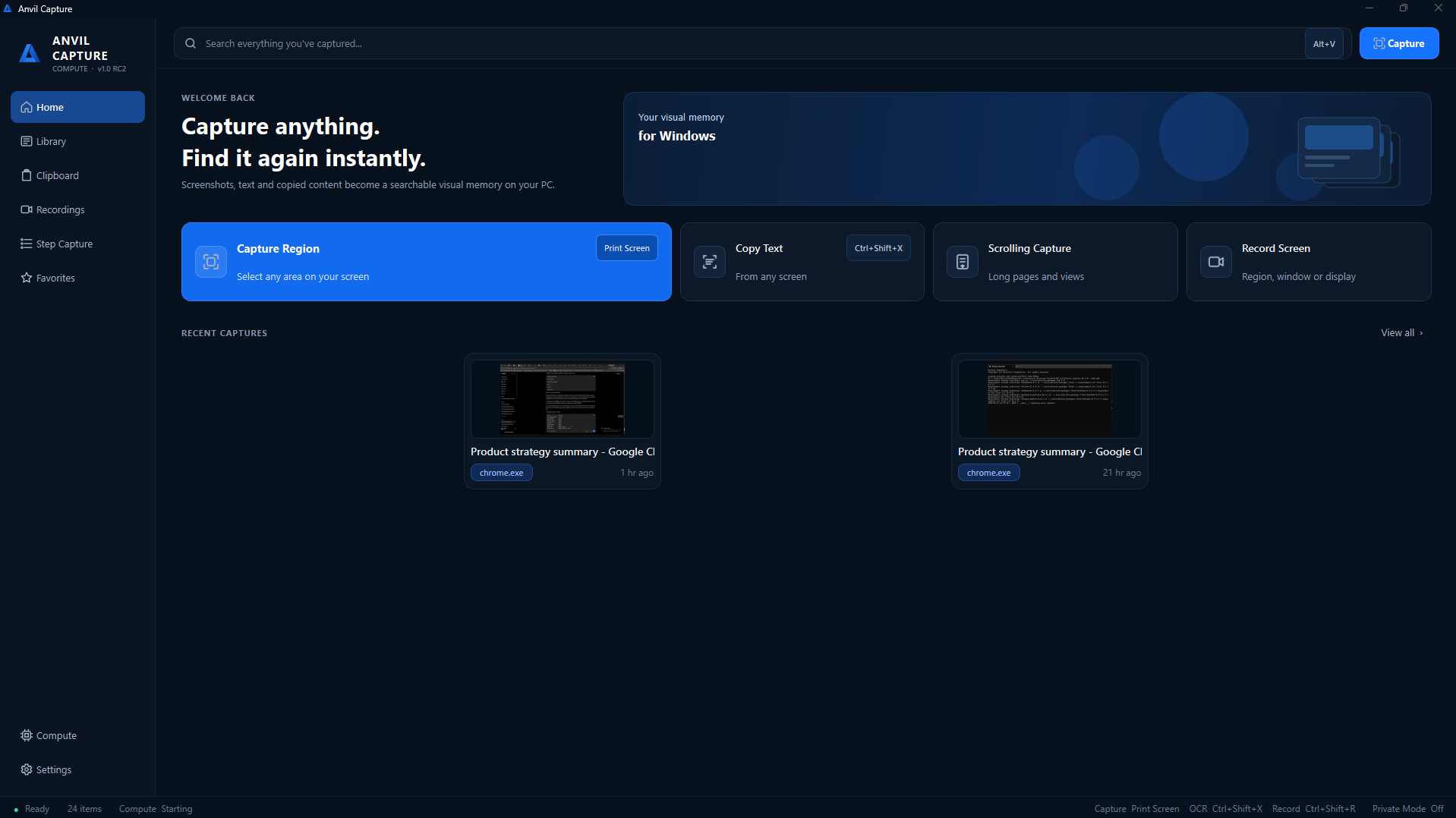
Anvil Capture Capture anything. Find it again instantly. Anvil Capture is a local-first Windows capture and visual-memory utility. It combines screenshots, OCR, searchable history, clipboard history, scrolling capture, s…
Anvil Capture
Capture anything. Find it again instantly.
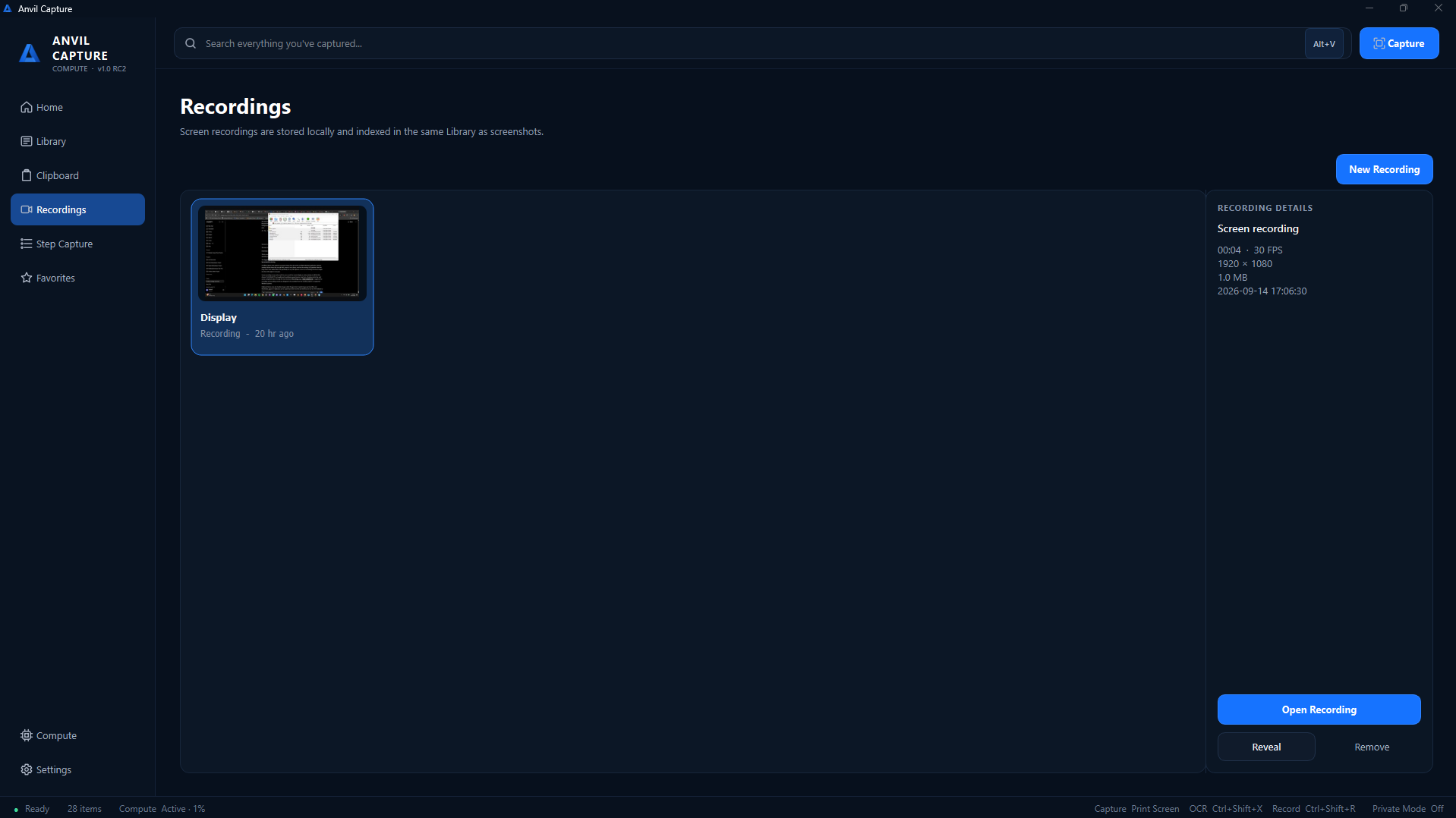
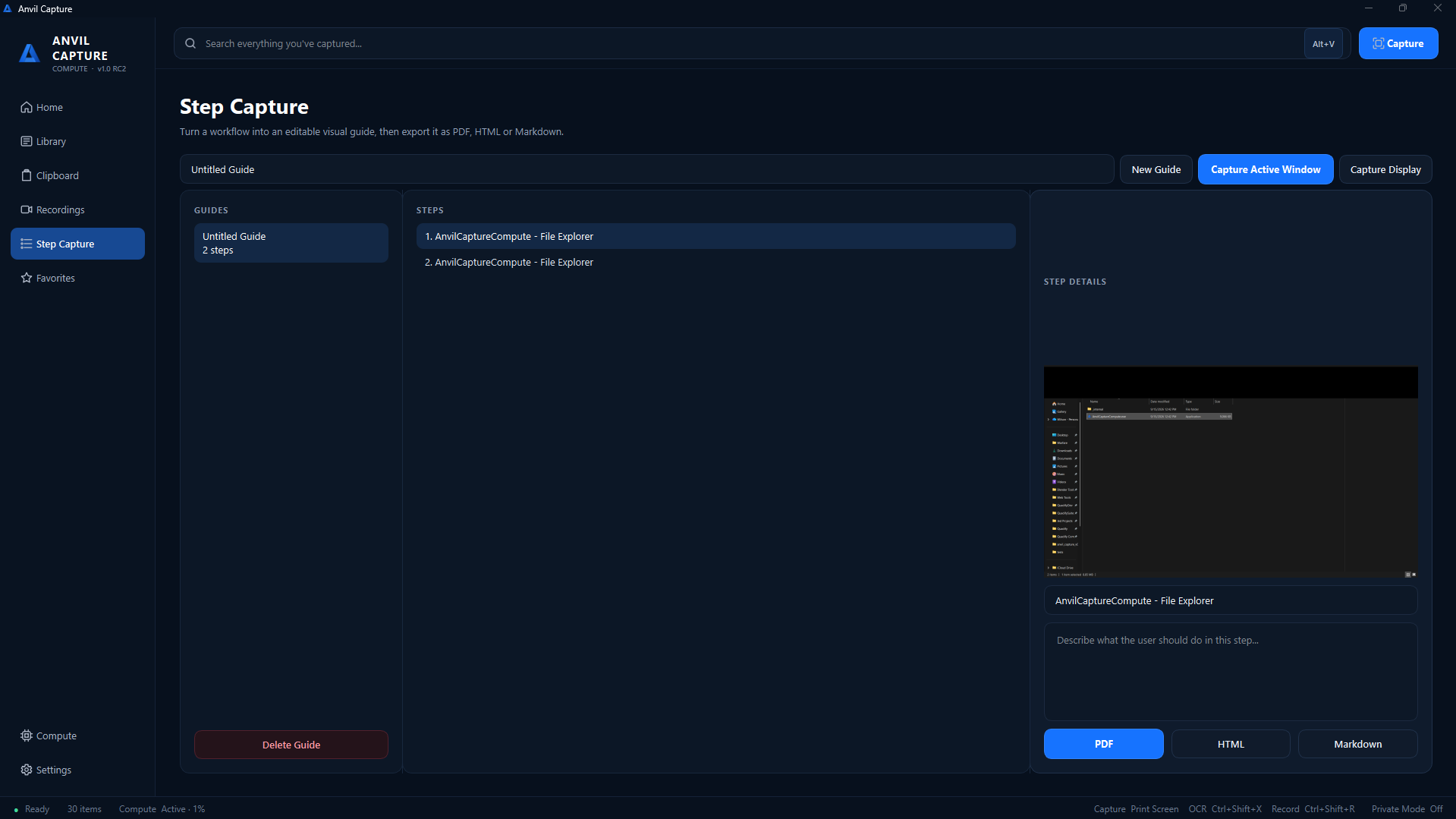
Anvil Capture is a local-first Windows capture and visual-memory utility. It combines screenshots, OCR, searchable history, clipboard history, scrolling capture, screen recording, annotations and step-by-step documentation in one tool.
Free edition notice: Anvil Capture Compute, the free edition, can use a limited amount of your unused CPU to mine Monero for Anvil Interactive Solutions. This only happens after you explicitly accept the Compute Agreement, and you can revoke it at any time. See Anvil Capture Compute below.
Features
| Capture | Search & Memory | Editing & Output | |---|---|---| | Region, window and display screenshots | Searchable OCR | Screenshot annotation | | Scrolling screenshots | Searchable clipboard history | Redaction | | Screen recording | Image clipboard history | Step Capture documentation | | Copy text directly from your screen | Fast local search | Favorites | | Global keyboard shortcuts | System tray integration | |
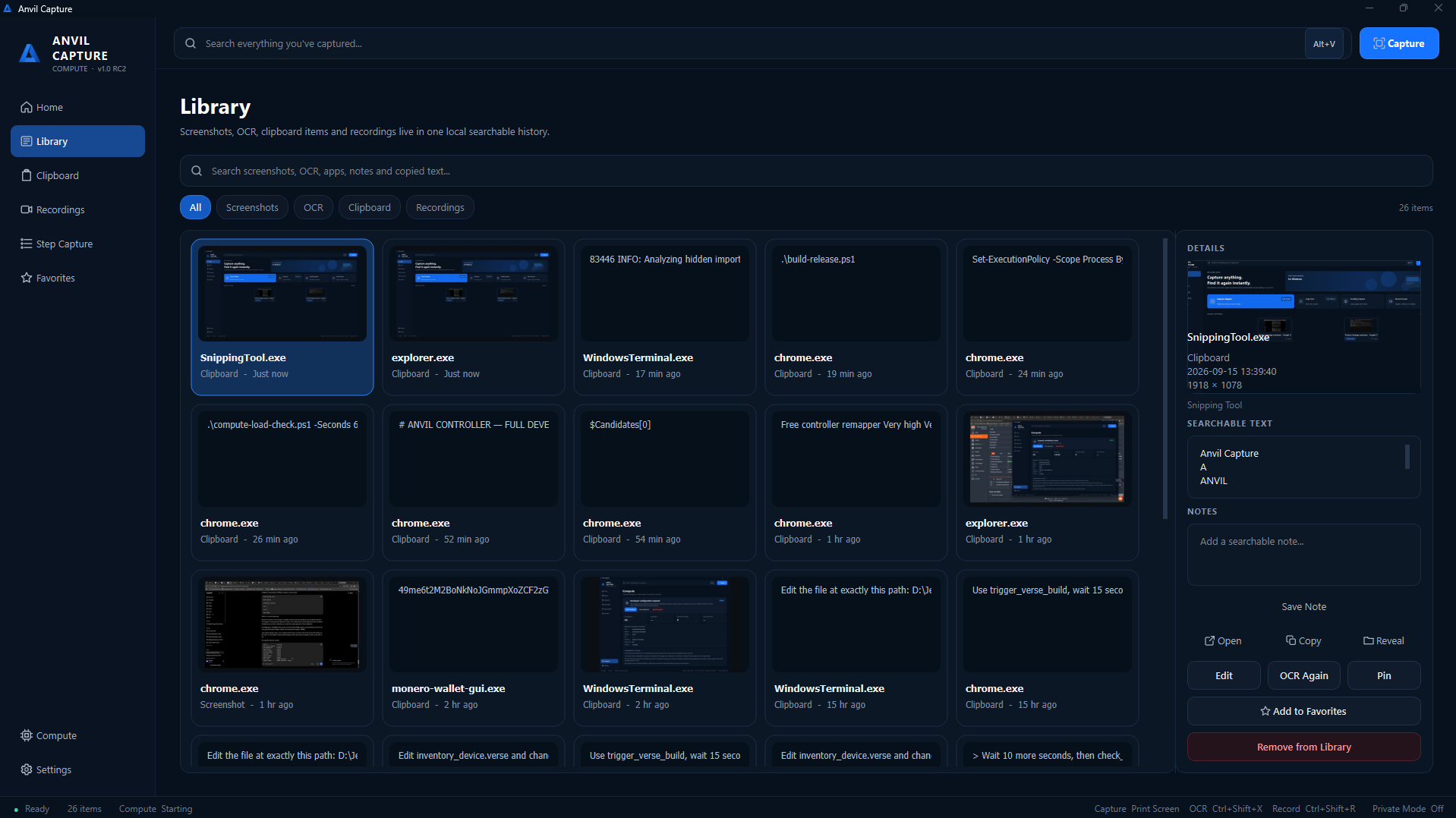
Search Everything
Press Alt+V to search your screenshot history, OCR content and clipboard history from one place.
Copy Text From Anywhere
Press Ctrl+Shift+X, select an area of the screen, and Anvil Capture extracts the text locally.
Step Capture
Capture a sequence of actions to build visual walkthroughs and documentation, then export the finished guide as PDF, HTML or Markdown.
Local-First
Screenshots, OCR results, clipboard history and the search database are stored locally on your computer by default.
Keyboard Shortcuts
| Action | Shortcut |
|---|---|
| Quick Search | Alt+V |
| Copy Text From Screen | Ctrl+Shift+X |
| Start Recording | Ctrl+Shift+R |
Anvil Capture Compute
Anvil Capture Compute is the free edition of Anvil Capture.
After explicit activation, it contributes a small, controlled amount of unused CPU resources to Monero mining operated by Anvil Interactive Solutions.
No mining occurs before the Compute Agreement is accepted.
How Compute behaves
- Requires explicit consent before it starts
- Reduces resource usage while you are actively using your computer
- May increase contribution while your computer is idle
- Is limited to a configured maximum CPU contribution
- Pauses during demanding Anvil Capture operations
- Pauses on battery power
- Stops when Anvil Capture exits
- Remains visible in Windows Task Manager
- Can be revoked at any time from within the application
Who receives the proceeds
Mining proceeds belong to Anvil Interactive Solutions. Users do not receive cryptocurrency.
Read the full disclosure in COMPUTE_DISCLOSURE.md.
System Requirements
- Windows 10 or Windows 11
- 64-bit processor
- Internet connection (required for initial Compute worker setup)
© Anvil Interactive Solutions